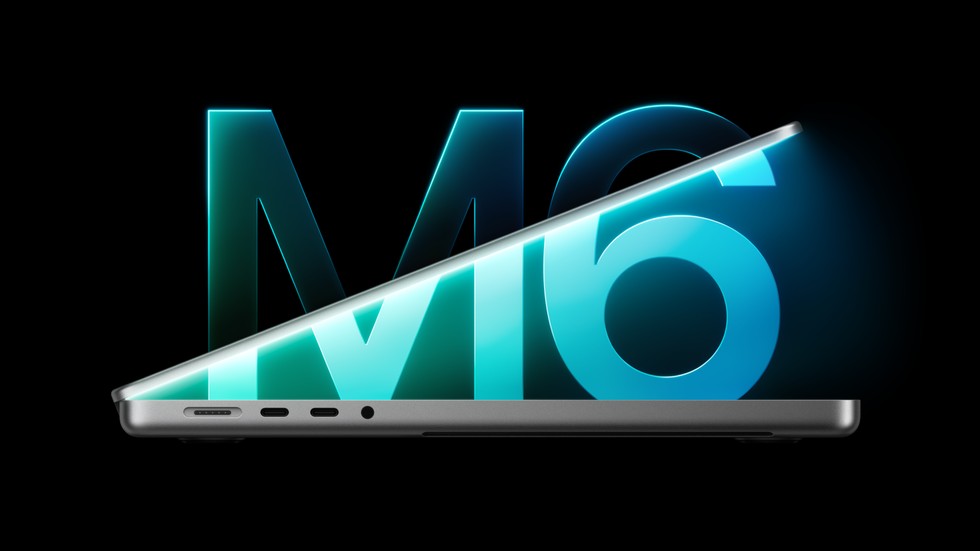
Apple has refreshed the entry-level 14-inch MacBook Pro with its new M6 chip, faster wireless networking and a higher starting storage capacity. The laptop starts at $1,999, opens for preorder on October 28 and reaches customers and stores on November 6.
This is not a full MacBook Pro redesign. The enclosure, display, camera, speakers and port selection remain broadly familiar. The important changes are inside: a 12-core CPU, a 12-core GPU, a Dual 16-core Neural Engine, Wi-Fi 7, Bluetooth 6 and faster storage. Buyers should also note what Apple did not announce: there are no M6 Pro or M6 Max versions yet, no 16-inch M6 model and no move to Thunderbolt 5 on this configuration.
Price, configurations and release date
The standard 14-inch MacBook Pro with M6 starts at $1,999 in the United States and $1,899 with education pricing. The base configuration includes 16GB of unified memory and a 1TB SSD, an improvement over older entry models that began with less storage. Apple lists 24GB and 32GB memory options; independent launch reporting prices those standard-storage configurations at $2,199 and $2,399.
Storage can be configured up to 4TB. The larger drives are costly: The Verge reports that moving from 1TB to 2TB adds $500, while 4TB adds $1,500. That makes external storage attractive for large photo and video libraries, although external drives add cables and occupy a port.
Preorders begin Wednesday, October 28, in 35 countries and regions. Deliveries and retail availability start Friday, November 6. The laptop comes in space black and silver.
The M6 chip is the main upgrade
The M6 in this MacBook Pro has a 12-core CPU and 12-core GPU, up from the 10-core CPU and GPU in the previous entry model. Apple says graphics performance can be up to 30 percent faster than M5, while selected on-device AI workloads can run up to 25 percent faster. Memory bandwidth reaches 170GB/s.
The GPU includes a Neural Accelerator in every core, while a Dual 16-core Neural Engine handles machine-learning tasks. Apple is positioning that combination for local language models, image generation, AI upscaling and Apple Intelligence features in macOS 27.
These numbers are manufacturer claims based on selected applications and test configurations. A 30 percent gain in one graphics workload does not mean every game, video export or 3D project will finish 30 percent faster. Independent reviews still need to measure sustained performance, fan behavior, battery draw and real-world speed across the 16GB, 24GB and 32GB memory configurations.
Battery life reaches a claimed 24 hours
Apple rates the new model for up to 24 hours of battery life, which it calls the longest battery life yet in a Mac. That figure is useful as a best-case reference, not a promise for every workload. Display brightness, browser tabs, video calls, development tools, games and local AI tasks can all reduce runtime substantially.
Fast charging remains available. Apple says the battery can reach roughly 50 percent in 30 minutes when the laptop is paired with a compatible higher-wattage USB-C adapter, such as its 96W power adapter. Buyers should check which adapter is included with their selected configuration before assuming the fastest charging setup is in the box.
Wi-Fi 7 and Bluetooth 6 are meaningful connectivity changes
Apple’s N1 wireless chip brings Wi-Fi 7 and Bluetooth 6 to the entry MacBook Pro. Wi-Fi 7 can improve throughput and latency on compatible networks, but owners need an appropriate router and suitable network conditions to see the largest gains. A new laptop will still connect to older Wi-Fi equipment.
Bluetooth 6 is intended to improve wireless-device performance and reliability as compatible accessories arrive. Existing headphones, mice and keyboards should continue to work, but they will not automatically gain every feature of the newer standard.
The physical ports are unchanged: three Thunderbolt 4 ports, HDMI, MagSafe 3, an SDXC card slot and a 3.5mm headphone jack. The M6 model supports up to two external displays. Professionals expecting Thunderbolt 5 should look carefully at the higher-end MacBook Pro lineup rather than assuming every new model has the newest interface.
The Liquid Retina XDR display carries over
The 14-inch Liquid Retina XDR display remains one of the laptop’s strongest features. Apple specifies up to 1,600 nits of peak HDR brightness and a 1,000,000:1 contrast ratio. A nano-texture option is available for people who work under bright lights or near windows and want fewer reflections.
There is no touchscreen, OLED panel or major display redesign in this update. Apple also retains the 12MP Center Stage camera with Desk View, a three-microphone array and a six-speaker system with Spatial Audio support. Those components are proven conveniences, but people who already own a recent M4 or M5 MacBook Pro should not expect a visibly different everyday experience from the chassis or screen.
16GB is standard, but demanding AI work may need more
The base 16GB of unified memory is enough for office work, web development, photo editing and many creative applications. It can become restrictive when several professional apps run together, when large projects stay open or when local AI models need substantial memory.
Because unified memory cannot be upgraded after purchase, buyers should choose capacity for the workload they expect several years from now. The 24GB option provides more headroom without reaching the maximum price, while 32GB is the practical ceiling on this standard M6 model. Users who need more memory, more GPU cores or heavier sustained performance should wait for or compare the Pro and Max chip configurations.
Who should upgrade?
The clearest candidates are owners of Intel-based MacBook Pros and early Apple-silicon machines whose battery, storage or performance no longer meets their needs. They gain a brighter modern display, longer claimed battery life, newer wireless standards, more ports than older entry models and a sizable performance jump.
M4 and M5 MacBook Pro owners have less reason to move immediately. The M6 improves processor, graphics and AI performance, but it keeps the same general design and core display experience. An existing machine that already completes the owner’s work comfortably is likely to remain the better financial choice.
People deciding between this laptop and the new M6 iMac are choosing portability versus an integrated 24-inch desktop display. The M6 Mac mini can offer better value for buyers who already own a monitor, keyboard and webcam.
What remains unknown
Independent testing still needs to confirm sustained CPU and GPU performance, fan noise, SSD speed, battery life and the practical benefit of the Dual 16-core Neural Engine. Repairability and the final cost of popular configurations also matter more than headline benchmark percentages.
It is also important to remember that this launch covers the standard M6 model only. Apple has not announced M6 Pro or M6 Max MacBook Pros, and the existing higher-end configurations remain part of the lineup. Buyers with demanding production workloads should compare complete systems rather than treating the newest chip name as the only measure of capability.