 Apps & Software
Arc Browser Shuts Down December 22—What Users Need to Export Now
Arc will stop working on Mac and Windows on December 22, 2026. Here are the mobile cutoff dates, data-deletion rules and migration steps users need.
Read article →Apps & SoftwareArc will stop working on Mac and Windows on December 22, 2026. Here are the mobile cutoff dates, data-deletion rules and migration steps users need.
Read article →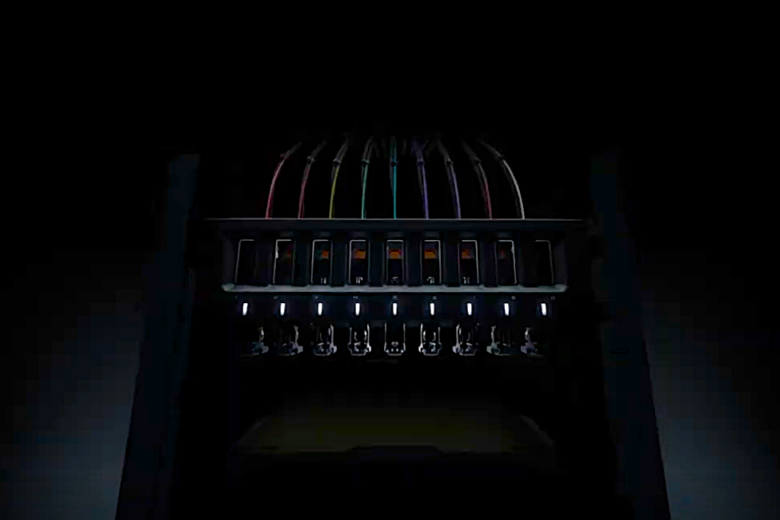 Computing
Bambu Lab’s H3C teaser shows nine tools in a drop-down rack, but price, build volume and full capabilities remain unknown until November 3.
Read article → Computing
Apple has scheduled a ‘Pro and Tell’ briefing for October 28. MacBook Pro, iMac and iPad mini updates are expected, but most details remain unconfirmed.
Read article → Computing
ASUS has begun shipping the ZenWiFi BN12, a tri-band Wi-Fi 8 mesh system focused on steadier coverage, smarter traffic management, and multi-gig wired networking.
Read article →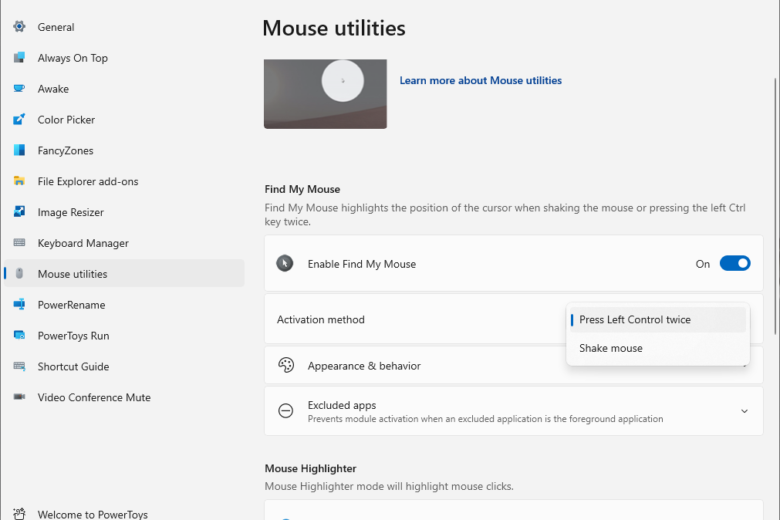 Apps & Software
Microsoft PowerToys 0.102 adds two mouse tools, a faster Command Palette, ZoomIt dictation and new command-line controls for Windows users.
Read article → Computing
Dell’s current US deals page lists a Dell 24 All-in-One at $789.99, down from a displayed $939.99. Confirm configuration and included peripherals.
Read article →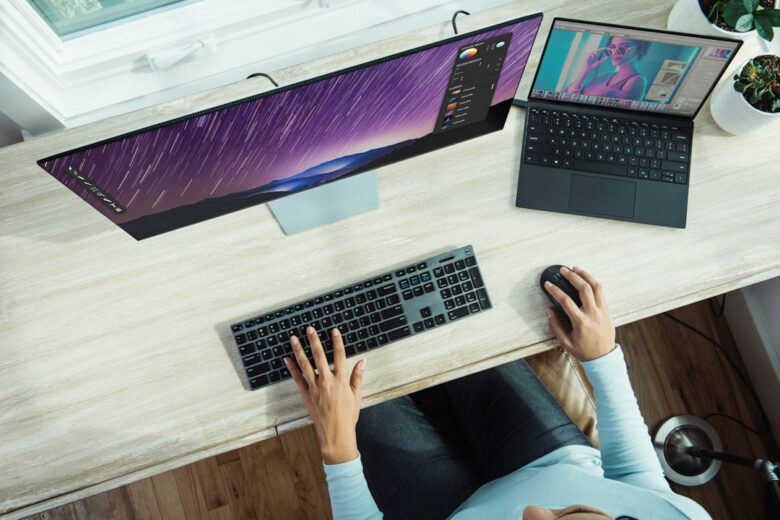 Computing
Dell lists its 27 Plus 4K USB-C Monitor at $329.99, compared with $349.99. Check USB-C power delivery and exact model specs before buying.
Read article →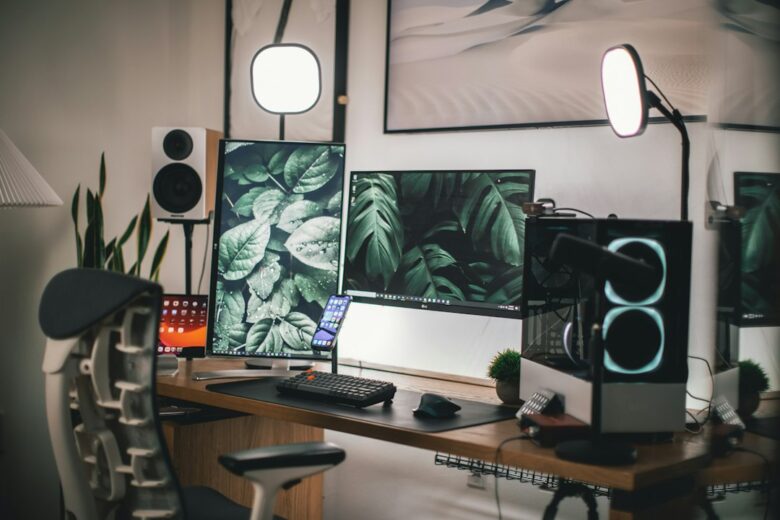 Computing
Dell lists its 32 Plus 4K Monitor at $329.99, down from a displayed $369.99. Check ports, refresh rate, and your desk setup before buying.
Read article →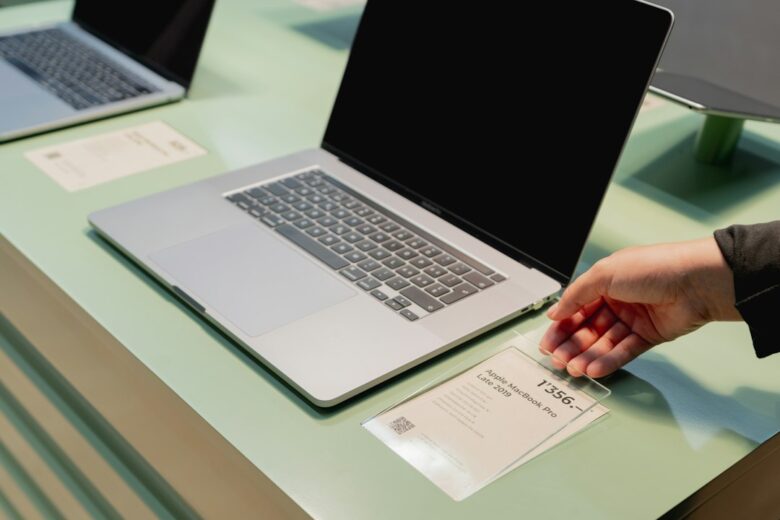 Computing
Dell’s deals page lists two Dell 15 configurations at $599.99 and $649.99. Compare the specifications, not just the $50 difference.
Read article →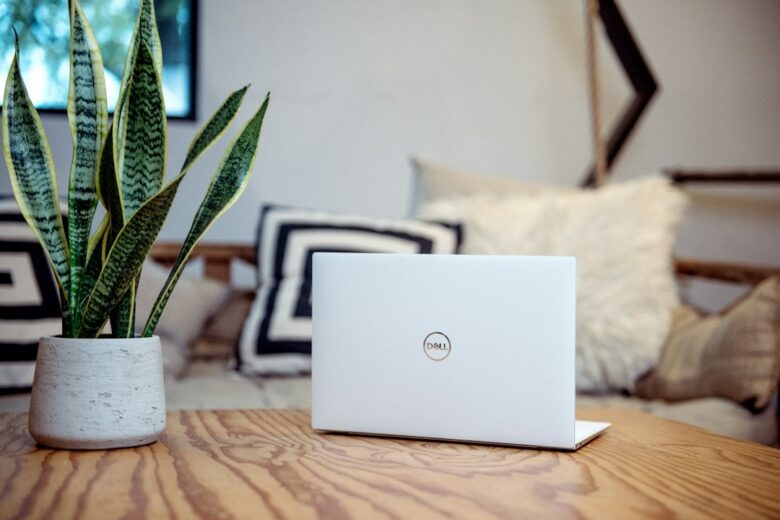 Computing
Dell’s current Top Deals page lists a Dell 15 configuration at $599.99, down from $699.99. Check the configuration and checkout price before ordering.
Read article → Computing
HPE’s fanless Spaceborne Computer-4 is scheduled to carry AI, LiDAR and supercomputing tests to the lunar south pole on Astrolab’s FLIP rover.
Read article →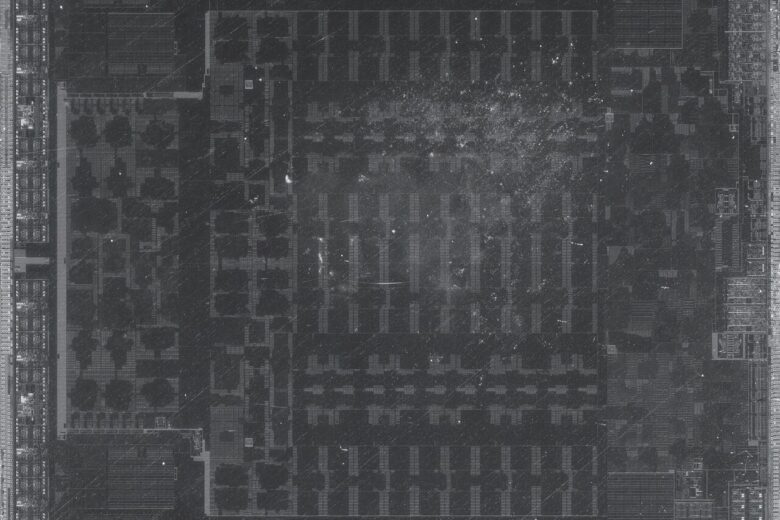 Computing
AMD’s FSR 4.1 now supports Radeon RX 6000 graphics and more Ryzen devices, while Xbox Series X|S support is coming later. Here’s what changes and what remains uncertain.
Read article → Artificial Intelligence
AMD is folding ZenDNN work into oneDNN as Intel and AMD back a shared PyTorch optimization path for x86 CPUs. Here’s what developers gain—and what remains unclear.
Read article →