A used laptop can be excellent value, but a clean lid and a fresh Windows installation do not prove that its battery, ports, ownership status or storage are healthy. The safest approach is to inspect the exact machine—not merely the seller’s listing—and finish every important check before money changes hands.
This checklist is for an in-person purchase in the United States. It also works for refurbished systems sold online if the retailer provides a meaningful return window. It is not a hands-on review of any particular computer.
Bring three simple things
- A USB flash drive you do not use for sensitive files.
- Wired headphones or a small USB accessory, if those ports matter to you.
- Your phone’s hotspot, so you can test Wi-Fi without joining the seller’s network.
Ask the seller to charge the computer and leave it in a usable state. If they refuse a short inspection, cannot provide the correct charger, or want to meet somewhere with no power or connectivity, treat that as risk—not urgency.
1. Match the computer to the listing
Open the operating system’s information page and compare the exact model, processor, memory and storage with the advertisement. On Windows, use Settings > System > About. On a Mac, choose Apple menu > About This Mac. Do not rely on a sticker: parts and bottom covers can be replaced.
Record the serial number, but avoid posting it publicly. Check the manufacturer’s warranty page and compare any displayed model information. A warranty lookup is useful context, not proof of ownership.
2. Look for ownership and management locks
This is the check that buyers most often cannot fix later. For an eligible Mac, Apple’s Activation Lock can require the previous owner’s Apple Account password before the computer can be erased or reactivated. Apple says turning off Find My removes Activation Lock. The seller should therefore sign out, turn off Find My and complete the handoff while you are present. Do not accept a promise that they will remove the lock later.
Also look for messages showing that the laptop is managed by a school or employer. A company-managed Windows PC or Mac can remain subject to an organization’s enrollment rules even after an ordinary reset. If the seller cannot demonstrate that the device has been released by the organization, walk away.
3. Check the battery with evidence, not a runtime guess
A ten-minute test cannot predict all-day endurance. On Windows 11, Microsoft documents the built-in command powercfg /batteryreport. Run Command Prompt as administrator, generate the report, open the resulting HTML file and compare design capacity with full charge capacity. A large gap means the battery stores materially less energy than when new.
On a Mac, hold Option while opening the Apple menu, choose System Information, select Power and review the cycle count. Also open Battery settings and check whether the condition is Normal or Service Recommended. Apple notes that batteries are consumable components and says a normal Mac laptop battery is designed to retain up to 80% of original capacity at its maximum cycle count under normal conditions. That is a design reference, not a guarantee for a used machine.
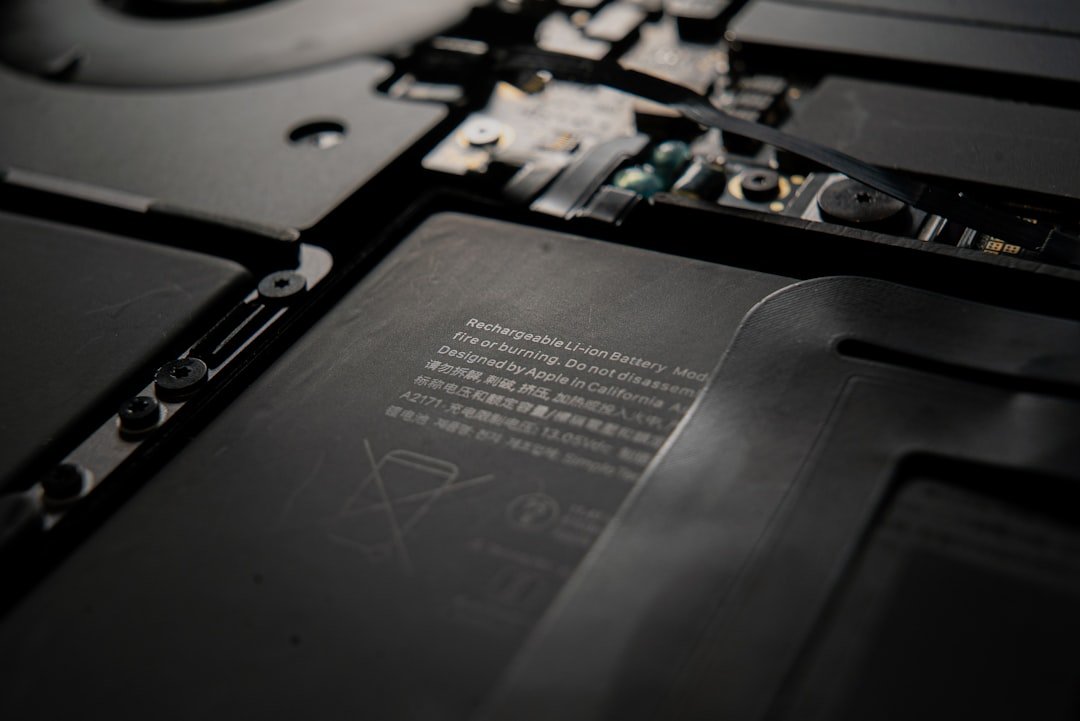
Reject a battery that is swollen, lifting the trackpad or separating the case. Stop charging or pressing on it. Battery replacement cost should be included in your offer even when the laptop works while plugged in.
4. Test the parts that are expensive or annoying to replace
- Display: show solid white, black, red, green and blue screens. Look for dead pixels, bright spots, flicker and pressure marks. Change brightness through its full range.
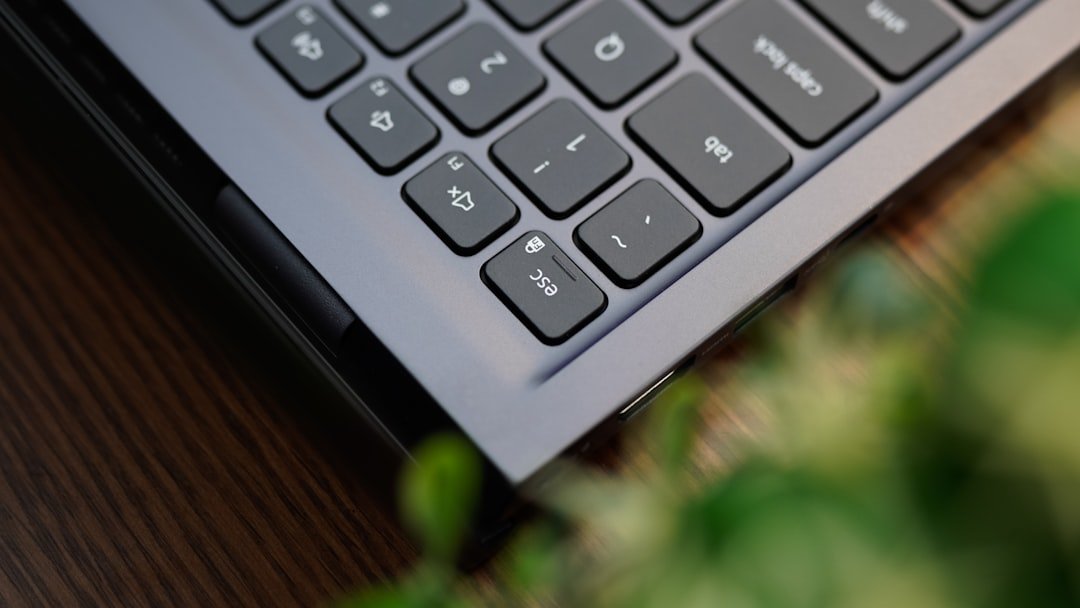
- Keyboard and trackpad: type every letter, number and modifier key. Test clicking, scrolling and multi-touch gestures.
- Hinges and case: open the lid slowly. Watch for popping seams, loose hinges, stripped screws, bent corners or liquid residue.
- Camera, microphone and speakers: make a short local recording and play it back. Do not sign in to personal accounts.
- Ports: test charging and each USB port. If you depend on HDMI, an SD-card slot or a headphone jack, test those too.
- Wireless: connect to your phone hotspot and test Bluetooth with a device you control.
5. Listen for heat, fan and storage trouble
Restart the laptop, open several applications and play a high-resolution video for a few minutes. Excessive fan noise, unexpected shutdowns, display artifacts or a hot palm rest can indicate cooling, battery or board problems. A warm computer is not automatically defective; the concern is unstable behavior under a modest, repeatable load.
Check how much usable storage remains and confirm whether the drive is an SSD. Storage-health utilities can be helpful, but a seller-controlled screenshot is weaker than a test you perform yourself. Any warning about drive health should end the transaction unless you deliberately priced in replacement and data risk.
6. Confirm the charger is appropriate
Inspect the cable and connector for exposed wire, scorching or looseness. Verify the adapter’s wattage against the laptop maker’s specification. A lower-power USB-C charger may appear to work yet charge slowly or allow the battery to drain under load. Include the cost of a safe replacement if the original adapter is missing.
7. Do the final handoff before payment
- Have the seller remove personal accounts, Find My or organizational management as applicable.
- Confirm the laptop reaches its normal setup or activation path without requesting the seller’s credentials.
- Write a simple receipt with date, amount, model, serial number and both parties’ names.
- Photograph the laptop’s condition and included charger with permission.
- If the seller is shipping it, pay only through a marketplace or payment method with clearly stated buyer protection.
A factory reset protects the seller’s data, but it does not repair a weak battery, damaged port or undisclosed management lock. Finish the hardware and ownership checks first, then reset the machine using the manufacturer’s documented process.
A quick price rule
Compare the asking price with the total cost of making the laptop dependable: purchase price plus battery, charger, storage, missing accessories and any repair labor. If that total approaches the price of a reputable refurbished unit with a return policy, the “cheap” private-sale laptop is not the better value.
Primary sources
- Apple: Activation Lock for Mac (updated June 5, 2026).
- Apple: determine battery cycle count for Mac laptops (updated March 10, 2026).
- Apple: battery condition and “Service Recommended” on Mac (updated May 11, 2026).
- Microsoft: caring for your battery in Windows and generating a battery report (accessed September 14, 2026).
Featured image: photo by Sean on Unsplash.
Editorial note: This article was prepared with AI assistance and reviewed for source accuracy, clarity and practical usefulness. Gadget N Widget did not test a specific laptop for this guide.