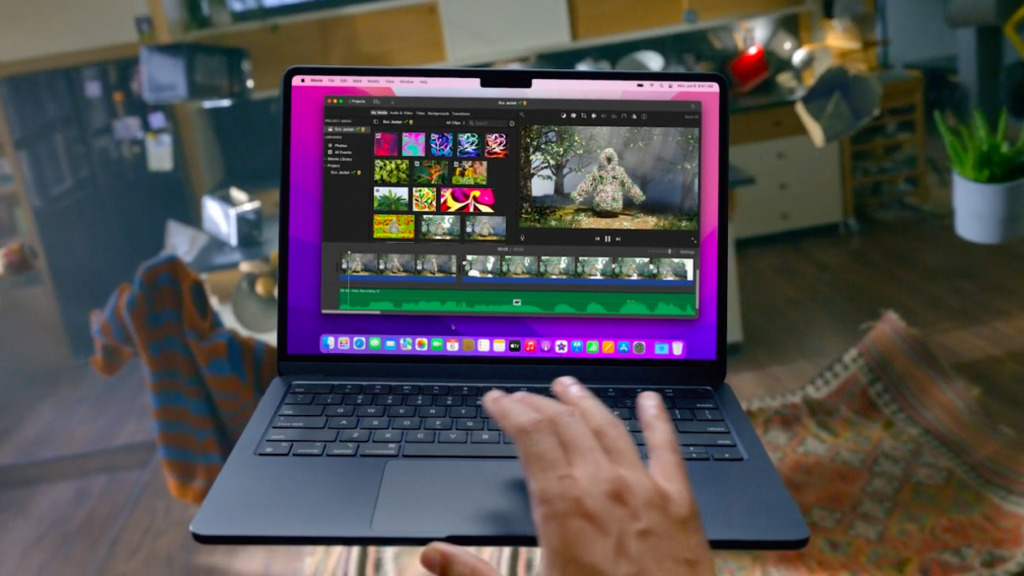
The 2022 MacBook Air covered here is the 13.6-inch M2 model. Apple documents an eight-core CPU, configurations with different GPU core counts, and support for one external display up to 6K at 60Hz alongside the built-in display. That external-display limit deserves attention before you buy a dock for a multi-monitor desk.
Choose the installed memory deliberately
Write down the applications you keep open together and the memory requirements of any specialized software. Compare the actual unit’s memory and storage, not the largest configuration Apple offered. These are not ordinary user-accessible upgrade slots, so do not buy a small configuration expecting a routine memory upgrade later.
Separate portability from sustained work
A laptop used for notes, browsing, and meetings has a different workload from one exporting large projects for hours. Request evidence from the applications you use when comparing performance. A chip name alone does not show the effect of a particular project, configuration, or thermal design. We have not run benchmarks or measured battery endurance on this machine.
Plan the connections
Apple lists MagSafe charging and two Thunderbolt/USB 4 ports. Map the display, external drive, and other accessories you need simultaneously. A dock with two video sockets does not automatically remove the Mac’s native external-display limit. If a vendor proposes a software-based display solution, check its macOS requirements and limitations explicitly.
A used-buying example
For a writing-and-meetings setup with one external monitor, compare the offered Air with alternatives at the full price including the charger and adapters. For work that requires two independent external displays without extra display software, resolve that requirement before negotiating the laptop price.
Finish with a handover check
Inspect battery information, keyboard, screen, charging ports, camera, and speakers. Ensure the seller completes Apple’s supported account-removal process and that organizational management does not block setup. Keep the exact configuration and condition description with the receipt.
Sources & method
AI-assisted, source-checked editorial analysis. Manufacturer specifications are distinguished from our suggested buying checks. We have not conducted hands-on testing of this product.