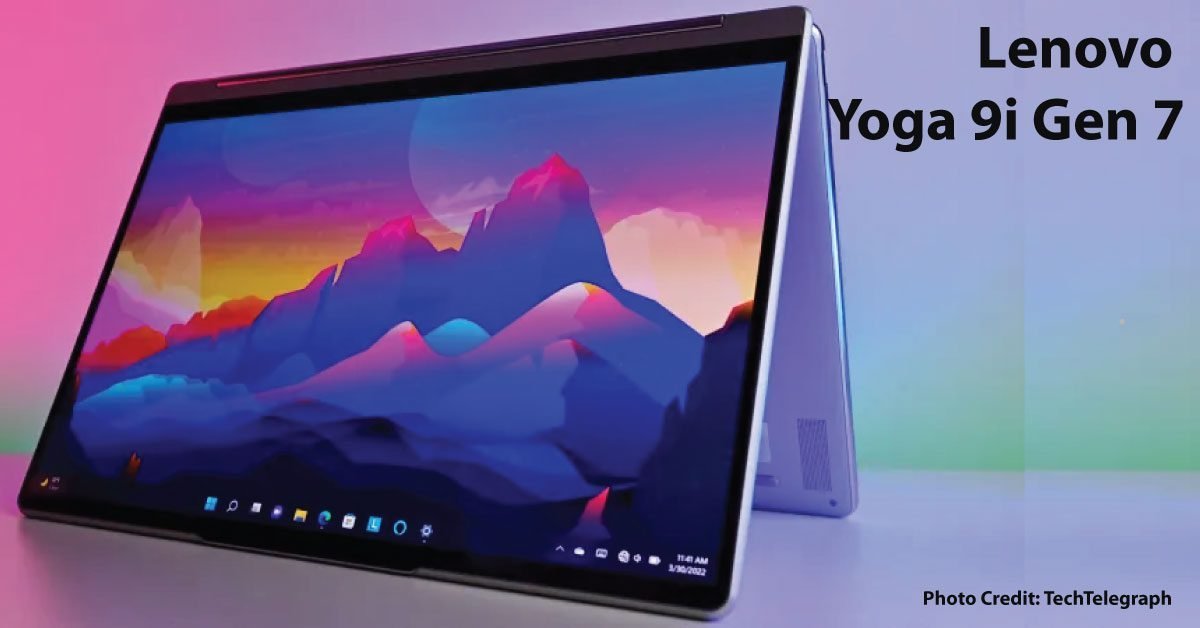
Lenovo’s Yoga 9 14IAP7 documentation describes a convertible with a 360-degree sound-bar hinge and configuration-dependent components and accessories. That distinction matters when comparing a new, refurbished, or used Gen 7 unit. Match the full model identifier before assigning specifications to a listing.
Make the display decision in your working context
Consider the documents, editing tools, or video you use, along with lighting and portability. Ask which panel is installed and inspect it for visible damage. Compare at a comfortable brightness with your normal applications. A display option mentioned on the family page is not evidence that the offered unit contains it.
Account for pen and power
If drawing or handwritten notes motivate the purchase, confirm the supported pen model, charging method, and inclusion in the bundle. Check the charger specification as well. A missing accessory can change the apparent value, particularly when a used listing is priced against a complete retail kit.
Inspect moving parts normally
Check the hinge through its supported positions, touchscreen response, keyboard, ports, and speakers. Do not force the mechanism to investigate resistance. Ask about repairs and obtain return terms that allow a reasonable functionality check. Cosmetic photos are not a substitute for a successful demonstration.
An office-and-notes example
Build a trial session containing a video call, a document with handwritten annotation, and a normal external-monitor setup. Note how often you actually change modes and whether the setup remains comfortable. If the convertible features sit unused, a simpler laptop may satisfy the same work for less total cost.
Buy the installed configuration
Check Lenovo’s memory and storage details for the exact model, including service restrictions. Do not assume a premium label means every component can be upgraded. This is a purchase framework based on official documentation, not a report of benchmark results, audio measurements, or hands-on testing.
Sources & method
AI-assisted, source-checked editorial analysis. Manufacturer specifications are distinguished from our suggested buying checks. We have not conducted hands-on testing of this product.