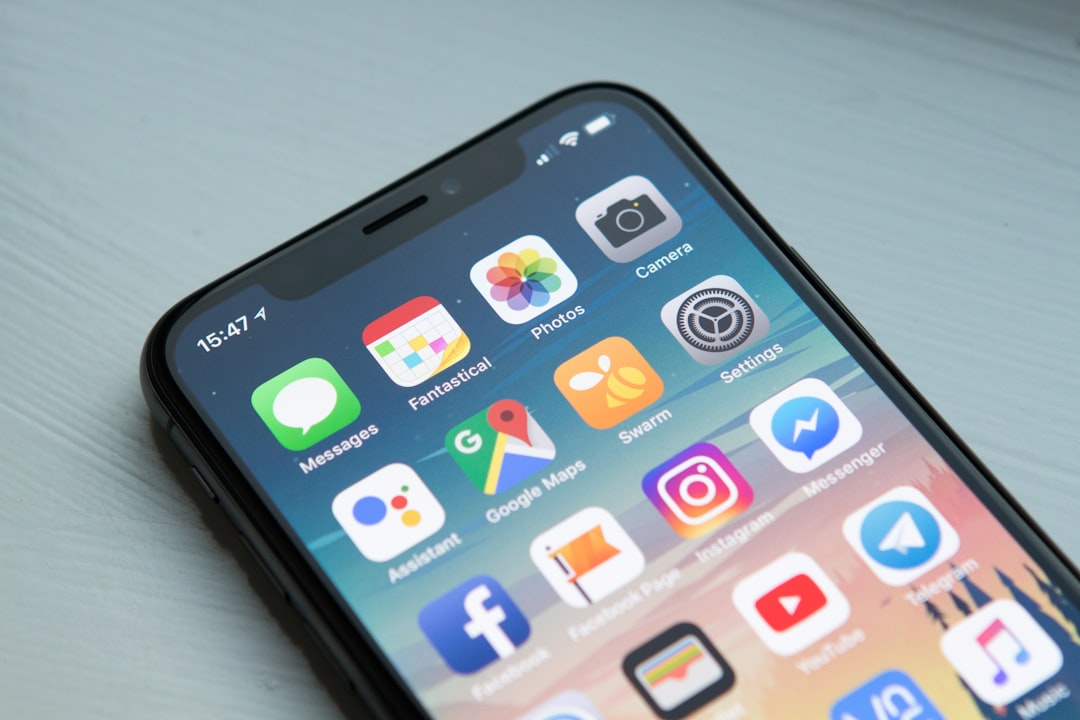
Before buying more storage, identify which account or device is reporting the shortage and which files are taking the space.
Find the source of the warning
Read whether the warning refers to the phone, a backup service, a photo library, or a specific application. Record the exact message. These are different problems, and a purchase that helps one may leave the others unchanged. Open the relevant storage breakdown and note the largest categories before deleting anything.
Make a file map
Choose one example from each important category: a photo, a document, a downloaded video, and an app project. Identify where each is stored and whether another verified copy exists. “I can see it on another device” is not enough to establish what happens if you delete it. Read the service’s explanation of synchronization and deletion first.
Start with replaceable content
Look for downloads you can retrieve again and files you intentionally no longer need. Check whether an application provides its own cleanup options. Avoid deleting unfamiliar folders or application data just because they are large. If a file matters, open a verified backup before removing the original.
Choose the recurring arrangement
Compare a realistic year of storage needs rather than a single month’s warning. A paid plan may be convenient, but consider export options and what happens if you cancel. Write down a simple monthly housekeeping routine. The aim is a setup you understand, with enough room and a recoverable copy of the files that matter.
A local-space example
Suppose your phone reports that its internal storage is nearly full while the cloud account still has unused capacity. Purchasing more cloud space alone does not increase the phone’s physical storage. You need to identify which local files or supported optimization settings can change the local footprint. Apple’s documentation explicitly distinguishes device storage from iCloud storage.
Conversely, a cloud-account warning may require reducing what is stored there or choosing a suitable plan even when the phone has free space. Before removing photos, read how deletion propagates through the service you use. Start with a disposable test item if you are unsure about synchronization, and keep important originals in a verified recoverable location. The useful outcome is a clear map of what exists where.
Sources & method
AI-assisted editorial guidance checked against the primary references below. Examples are illustrative exercises, not results from product tests. No hands-on testing or independent performance measurement is claimed.
Estimate the space you need
Use our Storage Capacity Calculator to estimate how many files fit after reserving space for apps and other content. Enter an average file size from your own files; the result is an estimate.