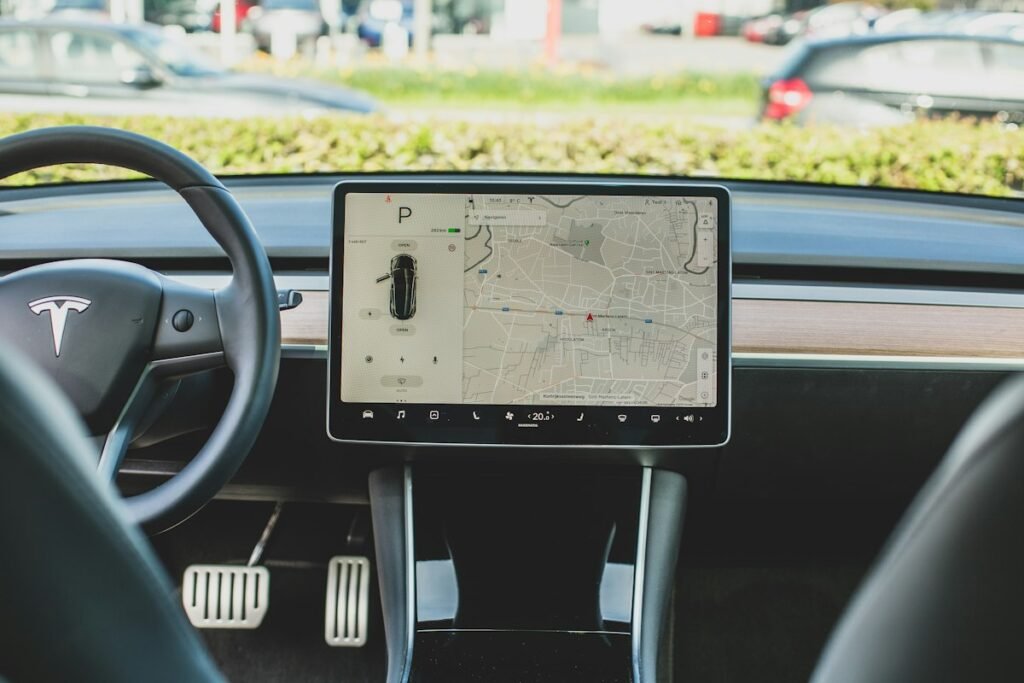
Google is making it easier to activate Gemini in compatible vehicles. A change included in Google Play services version 26.38 lets drivers sign in to their Google Account directly inside the setup process when getting started with Gemini in a vehicle.
The update is small, but practical. It removes an account-setup detour at the point when a driver is trying to enable Google’s AI assistant in the car. Google dated the release notes September 28, 2026, and lists the change under Account Management for automotive devices.
What changed in the setup process
Previously, activating an account-based assistant in a vehicle could involve switching between screens or completing part of the sign-in process elsewhere. Google’s release note says the account can now be added directly during the Gemini onboarding flow in the vehicle.
That should make first-time setup more straightforward, particularly for a new car, a newly created driver profile or a vehicle that has been reset. Signing in is important because personalized Gemini functions may depend on the user’s Google Account, saved preferences and connected services.
Google has not published a detailed screen-by-screen walkthrough for this change, so the exact interface may differ by vehicle manufacturer and infotainment version.
This does not bring Gemini to every car
The update should not be read as a universal Gemini launch for all dashboards. Google’s system-services notes cover several device families, including Android Auto-enabled devices, vehicles running Android Automotive OS and cars with Google built-in. However, the specific entry is marked only as an automotive feature, and Google does not provide a complete compatibility list in the note.
A car still needs supported hardware, compatible software and an eligible Gemini implementation. Manufacturer approval and regional availability may also matter. A conventional car that only mirrors phone apps through Android Auto may not receive the same native setup flow as a vehicle with Google built-in.
Google also warns that some system-services features may be experimental or available only to certain users. Updates frequently roll out in stages, so two otherwise similar vehicles may not receive the new flow on the same day.
What Gemini can change inside a vehicle
Gemini is intended to provide a more conversational replacement for rigid voice commands. In a supported vehicle, that could make it easier to ask follow-up questions, get help with navigation-related information or perform supported communication and media tasks without learning exact command phrases.
The account sign-in change does not itself announce new driving features. It improves onboarding for capabilities that a supported vehicle already offers. Owners should therefore check the feature list supplied by their automaker instead of assuming every Gemini function available on a phone will work through the dashboard.
Privacy deserves attention during sign-in
Signing into a personal Google Account can make the assistant more useful, but it also changes the privacy stakes. Drivers should review which account is active, which connected apps Gemini may use and whether activity is being saved.
This is especially important in a shared or borrowed vehicle. A driver should remove their profile or account before selling, returning or permanently sharing a car. Rental-car users should avoid leaving a personal account signed in after the trip.
Voice assistants can also produce incomplete or incorrect answers. Drivers should treat Gemini as a convenience layer, not as a replacement for road signs, the vehicle manual, emergency instructions or their own judgment. Any setup or account-management task should be completed while parked.
How drivers can check for the update
Google Play system updates usually arrive separately from full operating-system upgrades. In cars, update timing can depend on Google, the vehicle manufacturer and the infotainment platform. Owners can check the software or system-update section in the vehicle’s settings and consult the manufacturer’s support documentation.
If the new sign-in option does not appear, the sensible approach is to wait for the staged rollout rather than repeatedly resetting the infotainment system. Google has not announced a manual download, a price or a paid subscription specifically for this setup change.
Why this small update matters
In-car assistants only become useful when setup is simple enough that drivers actually enable them. Moving Google Account sign-in into the Gemini onboarding flow removes one point of friction and makes the experience feel more like a built-in vehicle feature.
The limitation is reach: Google has confirmed the setup improvement, but not a universal vehicle list or rollout schedule. For now, the meaningful test is whether an owner sees Gemini offered by their supported vehicle—not merely whether they use an Android phone.
Sources and image credit
The feature details come from Google’s Google System Services release notes for Google Play services v26.38. Featured photo by Bram Van Oost on Unsplash, used under the Unsplash License.