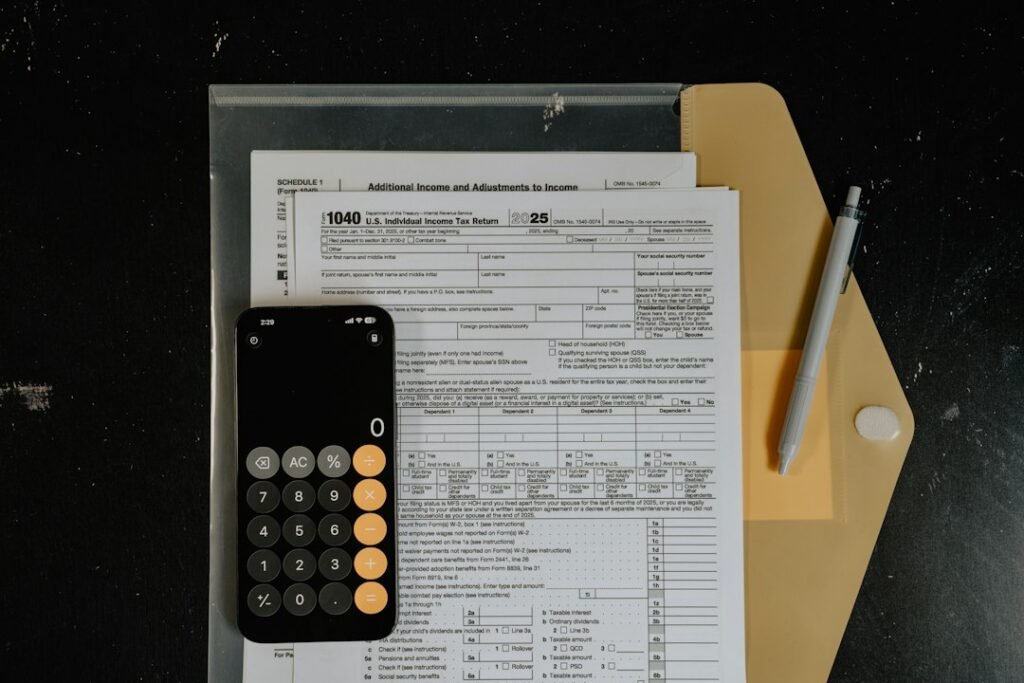
The Internal Revenue Service has replaced the old IRS2Go identity with a broader mobile experience simply called the IRS app. The free app now reaches beyond refund tracking, giving taxpayers mobile access to balances, payment history, tax records, notices and selected profile settings.
Existing IRS2Go users do not need to hunt for a separate replacement. According to the IRS app information page, the name changed and new features were added while the earlier services remain available. Phones with automatic updates enabled should receive the new version in the background; everyone else can update manually through Google Play or Apple’s App Store.
What the new IRS app can do
The app is available in English and Spanish for Android and iPhone. After signing in, individual taxpayers can:
- View a balance due, make or schedule a payment and review payment history.
- Check the status of a federal tax refund or amended return.
- Access and download tax transcripts and information-return documents.
- Read official IRS notices and letters.
- Update an email address and bank-account information.
The expanded account tools are the main reason for dropping the IRS2Go name. IRS2Go began as a mobile refund checker, while the renamed app is intended to provide a wider version of the taxpayer’s Individual Online Account.
This is not a complete replacement for IRS.gov or professional tax software. Complicated filings, business-tax work and many account tasks may still send the user to a browser or another IRS service. The agency says more functions will be added over time but has not published a complete roadmap.
Refund tracking still works without signing in
People who only want to check a refund or amended-return status can do so without creating or signing into an account. The app also links guest users to IRS Free File, Free File Fillable Forms, Volunteer Income Tax Assistance locations and AARP Foundation Tax-Aide services.
Other public resources include forms, publications, contact options and IRS scam alerts. The app can direct a user to available payment methods without a login, although the payment itself may be completed through a connected IRS web service.
Bank payments are free; cards and digital wallets carry fees
The IRS says direct payments from a bank account can be made without a processing fee. Payments by credit card, debit card or digital wallet—including PayPal and Venmo—are handled with a fee.
That distinction matters because the app’s convenience does not make every payment method free. Before confirming a transaction, users should check the displayed processing charge and compare it with the no-fee bank-account option. Tax balances, deadlines and penalties do not change merely because a payment is initiated from the app.
ID.me handles account verification
The new private-account features require the taxpayer to sign in to an IRS Individual Online Account using ID.me. The app opens a secure browser tab for identity verification and then returns the user to the app.
Anyone who has not used ID.me before should expect an account-creation and identity-checking process rather than instant access. Because tax records contain sensitive personal and financial information, users should protect the associated email account, use a unique password and enable the strongest available multifactor authentication.
The browser handoff is also worth understanding: briefly leaving the app during sign-in is expected. What is not expected is a request sent through an unsolicited text, email, advertisement or pop-up.
Watch out for fake IRS apps and download ads
The expanded app is likely to attract look-alike scams. The IRS specifically tells users to follow the App Store and Google Play links on IRS.gov instead of downloading an app from an advertisement or message.
The agency says it does not request personal information through text messages, emails or pop-up messages. A mobile app claiming to be from the IRS should therefore be treated as suspicious if it asks a taxpayer to send a Social Security number, banking credentials or identity documents through an unexpected message.
Before installing, verify that the listing is the official IRS app reached from IRS.gov. Look-alike apps can be reported through the agency’s tip-submission page, and suspected tax scams can be reported through the IRS fraud channels.
Accessibility remains a limitation
The IRS acknowledges compatibility problems with some assistive technologies, including certain screen readers, screen magnifiers and voice-command tools. It provides a separate accessibility guide, but that caveat means the app may not yet offer a smooth experience for every taxpayer.
Users who encounter barriers can still use IRS.gov or contact the agency through its online, phone or in-person channels. Accessibility problems are especially important here because the app can expose notices, records and payment information that may be time-sensitive.
Why the change is useful
For many taxpayers, the most practical improvement is having refund tracking, balances, records, notices and payment history gathered behind one official mobile entry point. It reduces the need to remember several IRS web addresses and makes it easier to review account information away from a desktop computer.
The tradeoffs are familiar: sensitive tasks depend on an ID.me browser handoff, some payments cost extra, accessibility is not perfect and the app still links out to web services for certain jobs. It should be treated as a convenient front door to IRS services—not as a replacement for careful tax preparation or advice from a qualified professional.
Featured photo by Kelly Sikkema on Unsplash, used under the Unsplash License.