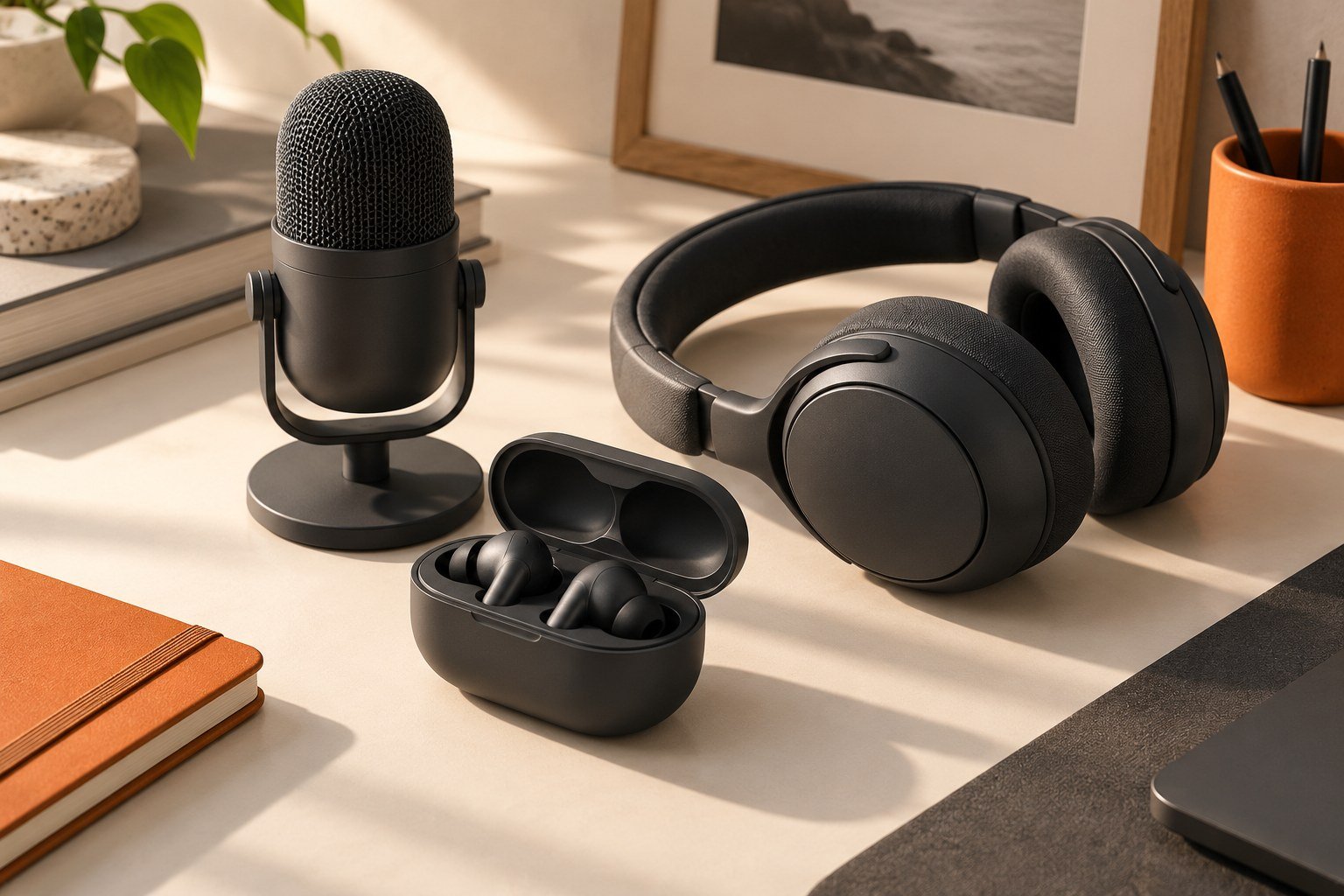
Test the microphone in the calling application and environment you actually use. Music playback is a separate question.
Choose a repeatable passage
Write a short paragraph with ordinary speech and a few names or numbers. Record or call a willing test partner using the same application each time. Explain the test and avoid recording others without their agreement. Keep the phone position and application settings consistent.
Compare realistic environments
Begin in a quiet room, then repeat in another safe environment relevant to your routine. Note where each sample was made. Do not describe the result as a universal ranking: a short local test only tells you about that setup and those conditions.
Check the rest of the call
Listen for intelligibility, interruptions, and changes when you move normally. Ask the other person which words were difficult to understand instead of asking only whether it sounded “good.” Test the controls for answering and muting if they are important to your work.
Keep evidence with the decision
Save a brief record of the application, devices, settings, and result. If you compare another pair, repeat the same procedure. Separate microphone performance from comfort and connection behavior in your notes. That makes it easier to choose a balanced product without letting one impressive feature decide the entire purchase.
Use a small call scorecard
Ask your test partner to write down any misunderstood names or numbers from a fixed passage, whether words disappear when you turn your head, and whether reconnecting interrupts the call. Repeat with the same phone and application. Keep music impressions in a separate column so a pleasant listening experience does not hide a poor work-call result.
If your app supports a local test or recording, use it to confirm the selected microphone first. Then check a real agreed call, because local capture and the remote audio path are different tests. Save only recordings you have permission to keep. The useful outcome is a record of where a pair works for you, not a claim that one short trial proves worldwide microphone superiority.
Sources & method
AI-assisted editorial guidance checked against the primary references below. Examples are illustrative exercises, not results from product tests. No hands-on testing or independent performance measurement is claimed.