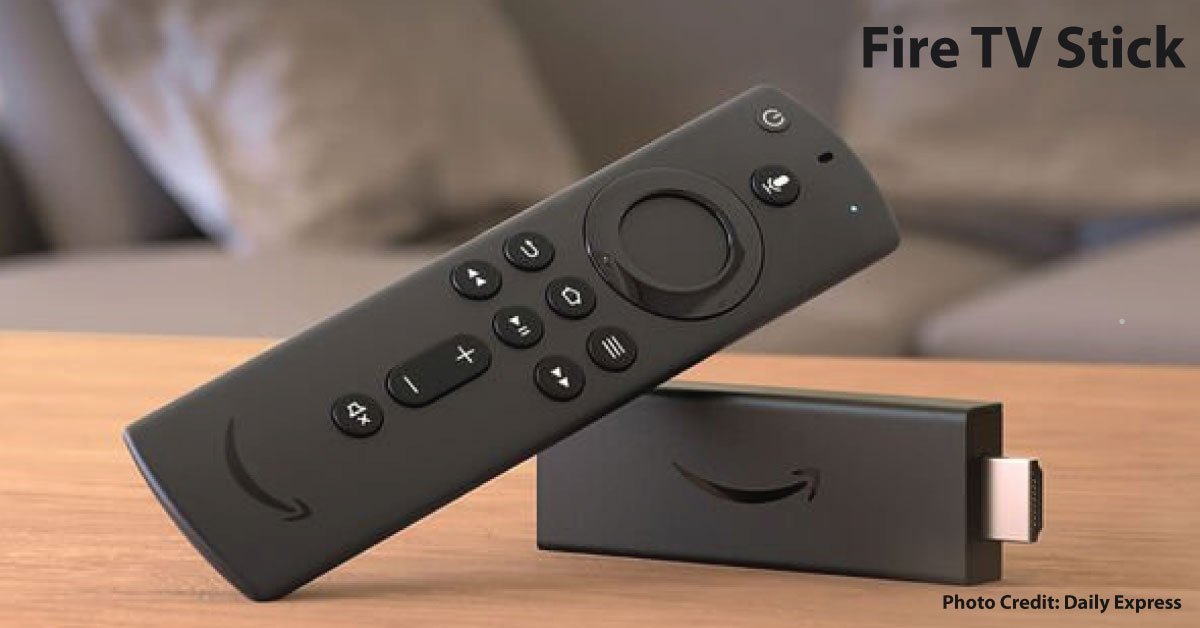
“Fire TV Stick” is a family name rather than a guarantee of 4K output. If you are deciding whether you need a separate player at all, see our guide to streaming sticks versus built-in TV apps. Amazon’s documentation identifies the third-generation Fire TV Stick introduced in 2020 as a 1080p device. Models explicitly sold as Fire TV Stick 4K belong to a different specification entry. The earlier blanket 4K claim in this article has been corrected.
Read the exact model before buying
Ask for the generation and model information, not only a photograph of a stick-shaped device. Match it with Amazon’s identification table. This is especially important for refurbished offers and bundles that may use similar packaging across releases.
Check the content you want
Confirm that the streaming services you use support the model in your country. Hardware ownership does not include every paid channel or subscription. A device’s maximum output also does not establish that your plan, content, television, and audio system will all support the same format.
Map the connections
List the television input, any receiver or soundbar, and the power arrangement specified for the exact device. Follow its included power instructions rather than assuming a television USB socket is sufficient for every generation. Consider how you will reach the stick if you need to reset or replace it.
An older-TV example
If a television already has a satisfactory picture but its apps no longer meet your needs, a compatible streaming device can be a focused way to address the app problem. Choose around the required services and ease of use. Paying for a higher output resolution alone will not change the physical resolution of the screen.
Test normal viewing
Try the actual services, remote controls, audio, and startup routine during the return period. If buffering occurs, compare network behavior before blaming the stick. This guide does not claim measured speed or image-quality results; it helps avoid buying a model whose documented capabilities do not match the job.
Sources & method
AI-assisted, source-checked editorial analysis. Manufacturer specifications are distinguished from our suggested buying checks. We have not conducted hands-on testing of this product.