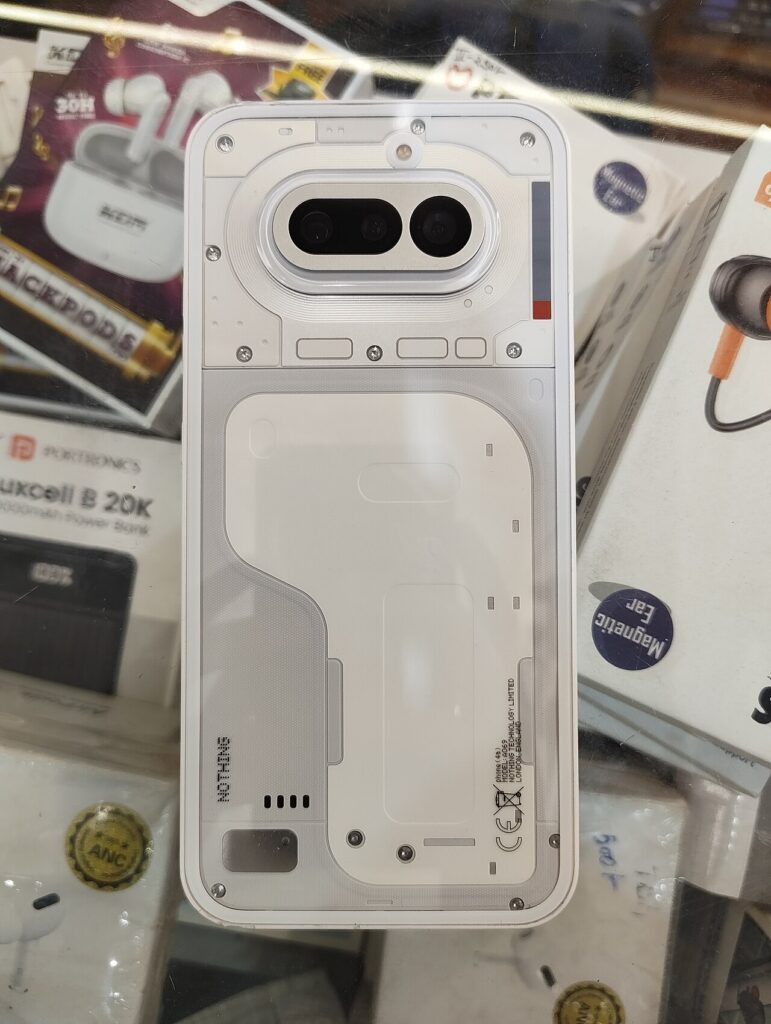
Nothing has started rolling out the stable Nothing OS 5.0 update to four more phones: the Phone (3a), Phone (3a) Pro, Phone (4a) and Phone (4a) Pro. The update is based on Android 17 and arrived on October 30, a little earlier than Nothing’s published schedule, which had listed all four models for an early-November general release.
This is not a beta build. Nothing’s official changelogs describe it as the general release, although distribution is staggered by region and device. Owners who do not see it immediately have not necessarily been left out; phased rollouts allow the company to monitor problems before making an update available to every handset.
Which Nothing phones are getting Android 17 now?
The new rollout covers the Phone (3a) series and Phone (4a) series. That means:
- Nothing Phone (3a)
- Nothing Phone (3a) Pro
- Nothing Phone (4a)
- Nothing Phone (4a) Pro
Nothing first released the stable version of Nothing OS 5.0 for the flagship Phone (3) on October 12. The company’s roadmap originally placed the four A-series models in early November, but official changelogs for the Phone (3a) series and Phone (4a) confirm that their stable builds started going out on October 30.
The update is free. Availability can depend on region and carrier, and Nothing has not promised that every eligible phone will receive it on the first day. Owners can check manually by opening Settings, choosing System and then System update.
Nothing OS 5.0 changes the interface without replacing its identity
The most visible addition is a Translucent theme with frosted-glass effects and colors influenced by the selected wallpaper. It is optional, so people who prefer Nothing’s familiar monochrome look do not have to abandon it. The system also adopts the Geist typeface, refreshed Settings layouts, updated status-bar icons and smoother transitions.
Lock-screen customization expands with two new clock faces and the ability to apply color to the clock. Nothing calls the new designs Gooey and Micrographics. The home screen can now move multiple apps and widgets at once, which should make reorganizing a crowded layout less tedious.
These are aesthetic changes, but they also address consistency. Nothing says the revised typography, icons and spacing extend across Settings, Camera, Gallery, widgets and system controls rather than appearing only on the home screen.
Notifications and Quick Settings can finally split
Nothing OS 5.0 lets users separate notifications and Quick Settings into different panels. With split mode enabled, a swipe from the left opens notifications and a swipe from the right opens controls. Anyone who prefers Android’s combined panel can leave the current arrangement in place.
Bluetooth controls are more direct as well. Tapping a device icon in Quick Settings can connect or disconnect it without opening a separate settings page. The Recents screen adds a pill-shaped menu above app cards so actions such as Split screen and App info are easier to find.
These changes may sound small, but they affect actions people repeat throughout the day. They are likely to matter more in routine use than a one-time visual redesign.
A three-color indicator explains sensitive phone activity
Nothing has introduced a status-bar system that uses different colors for different kinds of sensitive activity. Green indicates access to sensitive hardware such as the camera or microphone, blue identifies location sharing, and yellow shows when the phone is processing potentially sensitive AI data.
The yellow AI indicator is particularly timely because phone makers are adding more on-device and cloud-connected AI features without always making the processing state obvious. A color alone cannot explain where data is sent or how long it is retained, but it gives users a quick signal that an AI-related operation is active.
Android 17 also brings updated permission prompts and privacy indicators. Nothing’s implementation combines those platform changes with its own visual language rather than presenting a completely separate privacy dashboard.
Camera tools differ slightly by model
All four phones receive a refreshed Camera interface, improved feedback and animations, and Dual-view Video for recording with the front and rear cameras at the same time. Nothing also lists improvements for zooming, close-up shots, QR scanning, Google Lens and Motion Photo playback.
The Phone (3a) series gets additional Tuning controls with seven adjustable effects, along with a richer Presets system and a 2×2 Presets widget. Nothing’s Phone (4a) changelog is more limited in this area, so buyers should not assume every camera option is identical across all four devices.
Nothing has not published new image-quality measurements for the update. These are software tools and interface improvements, not a claim that the physical cameras have changed.
New widgets put photos, screen breaks and Glyph controls up front
The Collector widget turns selected photos into decorative cutouts on the home screen. Away Time tracks how long the phone has been left alone, giving users a simple view of their breaks from the screen. Glyph Timer moves countdown controls into a widget for phones with compatible Glyph hardware.
A dedicated Glyph app now gathers Glyph Interface settings in one place. That should make lighting controls easier to find than when features are scattered through system menus. Exact Glyph behavior still depends on the phone model because Nothing’s lighting hardware differs between generations.
The Phone (4a) models also get faster Essential Voice transcription, according to their changelog. Other Essential AI features may arrive separately through app updates, so the operating-system upgrade does not guarantee that every advertised AI tool becomes available at the same time.
Android 17 adds sharing, recording and display controls
Nothing OS 5.0 includes Android 17 improvements such as a redesigned screen recorder with floating controls, Noto 3D Emoji and an Expanded Dark Theme that can apply a dark appearance to apps without complete native support. Users can manage the dark treatment per app rather than forcing the same behavior everywhere.
Enhanced HDR brightness provides a separate control for the intensity of HDR photos and video. Digital assistants receive their own volume setting, which prevents assistant responses from becoming too quiet just because media volume was lowered.
Quick Share can create a QR code for a file. An iPhone or another device can scan the code and open a secure browser link, reducing the need for both people to use the same sharing app. Nothing says performance improvements also target app launches, scrolling, touch response, multitasking and memory management, though those claims will need independent testing on each model.
What owners should do before installing
Nothing recommends backing up photos, contacts, messages, call logs and other important data before updating. The phone may run warmer and use more battery during and shortly after installation while Android optimizes apps and completes background work.
There is little benefit in trying to force an unofficial installation package onto a phone that has not yet been offered the update. Waiting for the normal notification reduces the risk of installing a build intended for another region or model. People who rely on their phone for work may also want to wait a few days for early user reports.
This rollout is stable, but “stable” does not mean bug-free. Nothing directs users to submit problems through Settings > System > Feedback.
Some older Nothing phones will not get Nothing OS 5.0
Nothing says the Phone (1), Phone (2) and original CMF Phone 1 have reached the end of major operating-system support and will not receive Nothing OS 5.0. The Phone (2a) and Phone (2a) Plus remain on the roadmap for mid-November, while the Phone (3a) Lite is listed for late December and the Phone (4b) and CMF Phone 2 Pro are expected in January.
Those dates remain estimates and may change. General-release timing can also vary by region and carrier. Owners comparing update policies should pay attention to major OS support separately from security patches, because a phone can stop receiving new Android versions while still getting security fixes.
How this rollout compares with other Android 17 updates
Nothing is moving faster than its own published timetable for these four phones, which is good news for A-series buyers. The company is also giving budget and midrange devices many of the same interface and privacy features as its flagship rather than reserving the update for the most expensive model.
That does not make every Android 17 experience identical. Google’s Pixel beta track, discussed in GNW’s Android 17 QPR3 Beta coverage, targets different devices and includes test-build risks that do not apply to Nothing’s stable rollout. Buyers should judge the version, device and release channel—not just the Android number.
The practical takeaway
Nothing OS 5.0 is a substantial update for the Phone (3a) and Phone (4a) families. Its best changes are not limited to the new translucent look: split notifications, clearer privacy signals, bulk home-screen editing, one-tap Bluetooth controls, Dual-view Video and better sharing should affect daily use.
The main limitation is availability. The rollout is phased, some features vary by model, and several Essential AI tools use their own release schedules. Owners should back up their data, use the official System update path and avoid assuming that a missing update on day one means their phone is unsupported.
Sources
- Nothing: Phone (3a) series Nothing OS 5.0 changelog, October 30, 2026
- Nothing: Phone (4a) Nothing OS 5.0 changelog, October 30, 2026
- Nothing: Nothing OS 5.0 features and rollout roadmap
- 9to5Google: stable rollout report, October 30, 2026
- Android Authority: rollout timing and feature summary, October 30, 2026
- Featured image source and CC0 license
