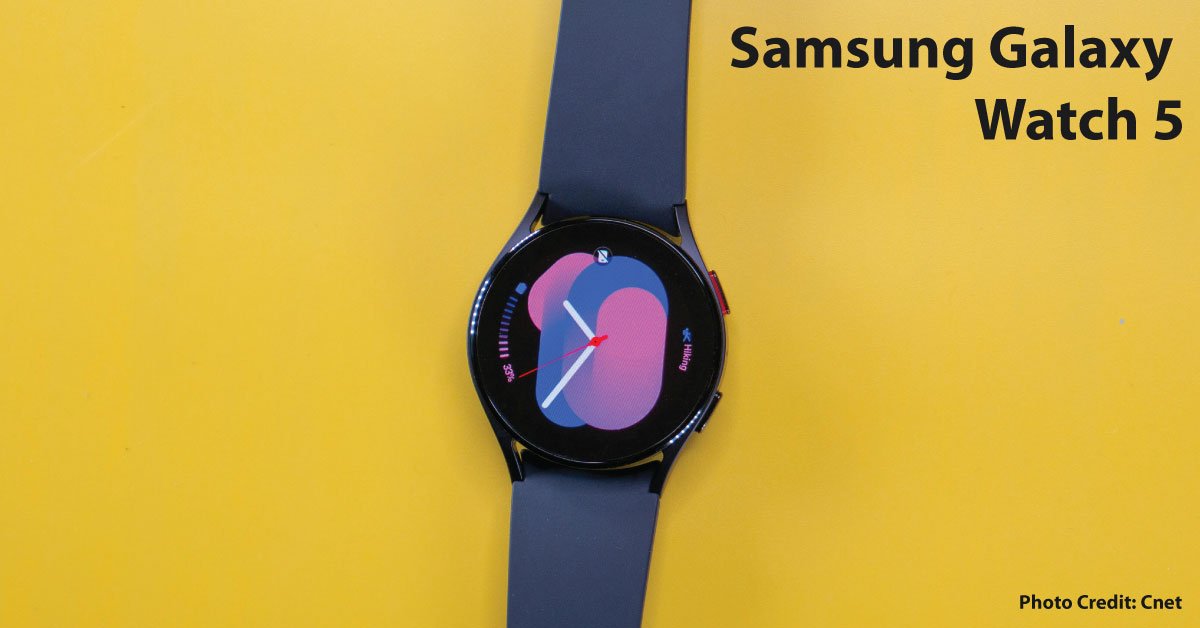
The Galaxy Watch5 belongs to Samsung’s Wear OS watch generation. Samsung’s compatibility guidance says its newer Wear OS watches are not compatible with iOS. An older Samsung watch working with an iPhone does not mean a Watch5 will do so. Resolve phone compatibility before considering size, color, or price.
Check features individually
A supported Android phone is the beginning of the check. Particular services may have additional phone, account, software, or regional requirements. Write down the functions that motivate the purchase and confirm each using Samsung’s current documentation for the exact model. Do not assume a feature shown in a review will automatically appear after pairing.
Separate Bluetooth and cellular use
If you want calls or data away from the phone, confirm that the offered watch is the cellular variant and that your carrier supports it. Add the actual plan cost to your budget. A seller’s description of a watch as LTE-capable is not a service contract or activation guarantee.
Build a charging routine
Think about when you want to wear the device, especially if overnight use matters. During the return period, observe battery behavior under your own settings. A used watch’s endurance is not proven by its original specification page. Include the correct charger and a comfortable band in the purchase comparison.
Inspect the handover
Ask the seller to complete the supported reset and account-removal process. Test buttons, touch, charging, phone notifications, and one representative activity workflow. Keep repair history and return promises in writing.
Choose a practical role
If your purpose is notifications and a simple activity log, compare the Watch5 against alternatives on those tasks rather than a long sensor list. Consumer wellness information is not a complete medical assessment. We have not independently measured this watch’s sensor accuracy, battery life, or fitness performance.
Sources & method
AI-assisted, source-checked editorial analysis. Manufacturer specifications are distinguished from our suggested buying checks. We have not conducted hands-on testing of this product.