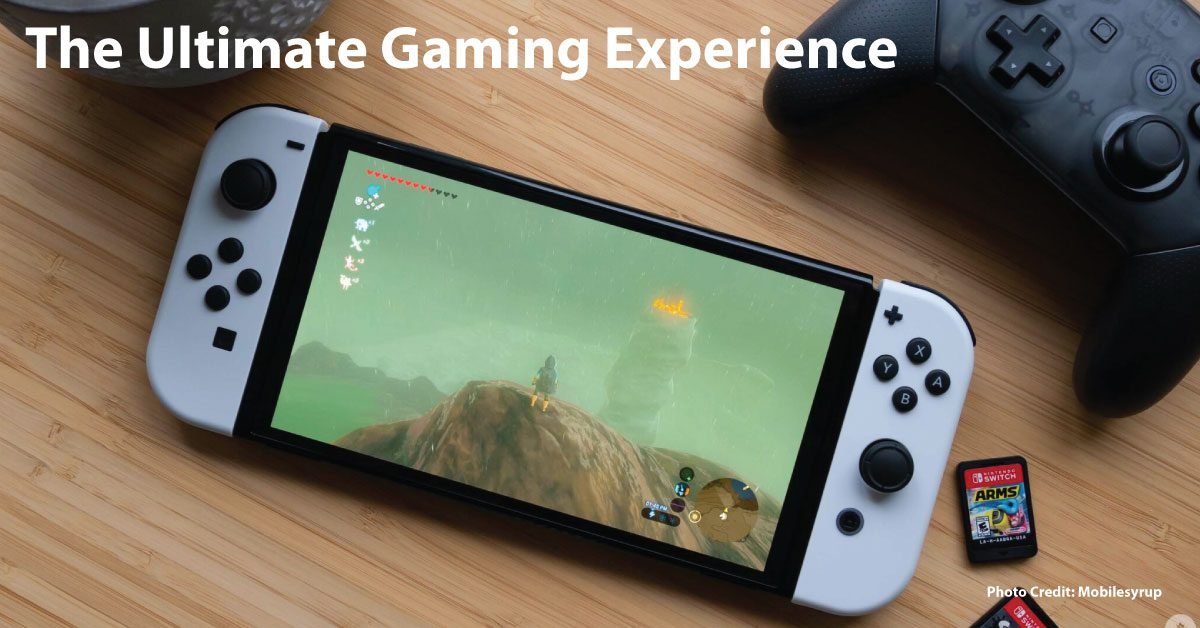
The Nintendo Switch OLED is a model of the Nintendo Switch family with a 7-inch OLED screen. It can be used in handheld, tabletop, or TV mode. Its main differences from the standard Switch are the larger OLED display, a wider adjustable stand, enhanced onboard audio, 64GB of internal storage, and a dock with a wired LAN port. It plays the Nintendo Switch game library; it is not the Nintendo Switch 2.
Nintendo Switch OLED vs. standard Switch
| Feature | Switch OLED | Standard Switch (HAC-001(-01)) |
|---|---|---|
| Built-in screen | 7-inch OLED, 1280 × 720 | 6.2-inch LCD, 1280 × 720 |
| Internal storage | 64GB | 32GB |
| TV output | Up to 1080p through HDMI | Up to 1080p through HDMI |
| Stand and dock | Wide adjustable stand; dock includes wired LAN | Standard kickstand; wired LAN requires an adapter |
Nintendo lists the same NVIDIA custom Tegra processor for both models. The OLED name describes the built-in display; it does not mean games automatically run at a higher frame rate or resolution. In handheld and tabletop modes, both screens are listed at 1280 × 720. Nintendo lists TV output up to 1080p for either docked model.
What does the OLED screen change?
OLED pixels produce their own light, which can show deep blacks and strong contrast. Nintendo describes the screen as providing vivid colors and crisp contrast. That difference is most noticeable while you play on the console itself. If you nearly always use a television, the OLED display may have little value for your routine.
Who should consider the OLED model?
It makes the most sense for someone who often plays handheld or tabletop and wants the larger screen, built-in storage, improved speakers, or the included wired-LAN dock. Someone who mainly plays on a TV can compare the standard Switch or other compatible systems based on the complete price and included accessories.
Will Switch OLED play Switch games?
Nintendo says the OLED model is compatible with the full library of Nintendo Switch games, with some exceptions or differences noted for specific experiences such as certain Nintendo Labo products. Check the packaging or Nintendo eShop for the play-mode requirements of a particular game. For more help comparing console storage and game requirements, see our console storage and compatibility guide.
What to check before buying used
Test the touchscreen, Joy-Con controls, charging port, Wi-Fi, and docked TV output. Look for scratches, dead pixels, burn-in, or screen damage. Confirm what is included—dock, power adapter, Joy-Con, straps, and grip—and check the seller’s return terms. A used price should reflect the unit’s condition and the accessories you still need.
Sources & method
This specification-based guide separates Nintendo’s listed features from our buying advice. We have not conducted hands-on testing of the console.