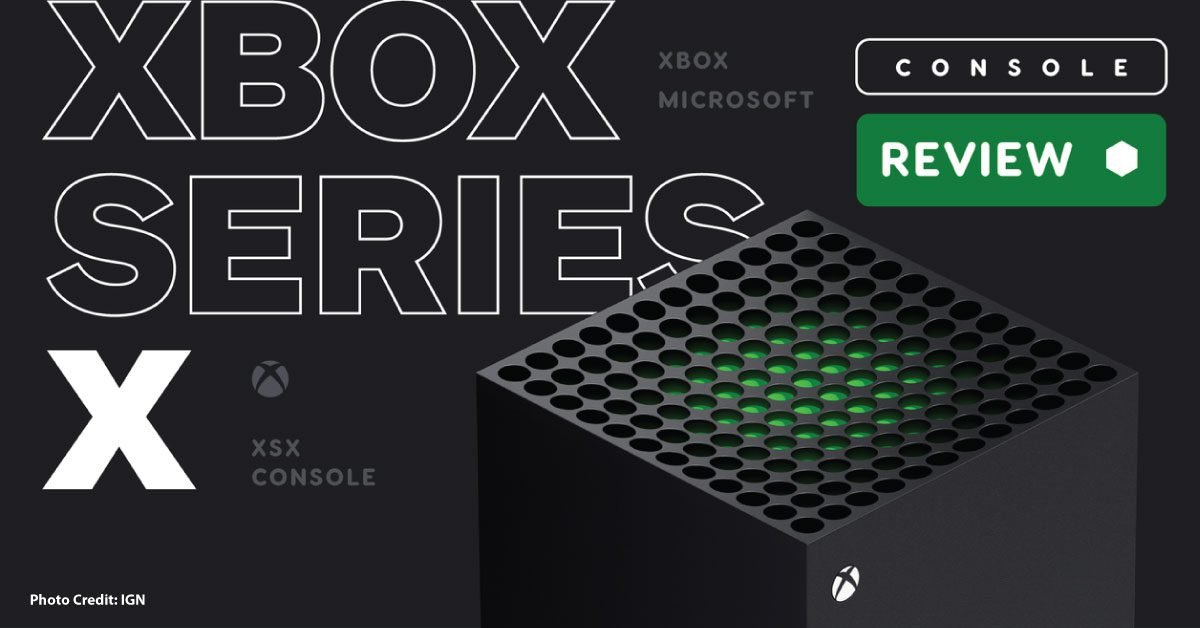
The Xbox Series X name now appears across more than one configuration. Microsoft’s lineup includes disc-equipped and all-digital versions, so the name alone does not prove that the unit can use physical games. Match the listing to its exact edition before comparing prices or planning a move from another console.
Make a library inventory
Separate discs, digital purchases, and games accessed through a subscription. Check each essential title’s compatibility and ownership requirements. A subscription catalog can change, so access through a plan should not be treated as the same thing as owning a permanent copy. Avoid offers that depend on retaining a seller’s personal account.
Compare the complete setup
List the controller count, display, audio equipment, internet connection, and likely storage needs. Confirm what comes in the box. A headline offer becomes less useful if the missing accessories are needed on the first day.
Read performance claims correctly
An advertised maximum frame rate or resolution describes capability under supported conditions. It does not establish that every game delivers both maxima simultaneously. Check the games you play and the input modes supported by your display. If using a receiver or switch, include that device in the compatibility check.
Think before adding storage
Use Microsoft’s instructions for your console and game types to distinguish a drive that can hold files from storage that can launch the games you want. Start by measuring the size of the library you actually keep installed. Capacity that serves only occasional storage may not justify the cost of a different expansion option.
Secondhand checks
Test normal startup, account setup, networking, controller inputs, and disc reading on a disc-equipped unit. Ask for the serial information and written return terms. A console that boots successfully has passed only one part of the inspection; it has not demonstrated every function or established unrestricted service access.
Sources & method
AI-assisted, source-checked editorial analysis. Manufacturer specifications are distinguished from our suggested buying checks. We have not conducted hands-on testing of this product.