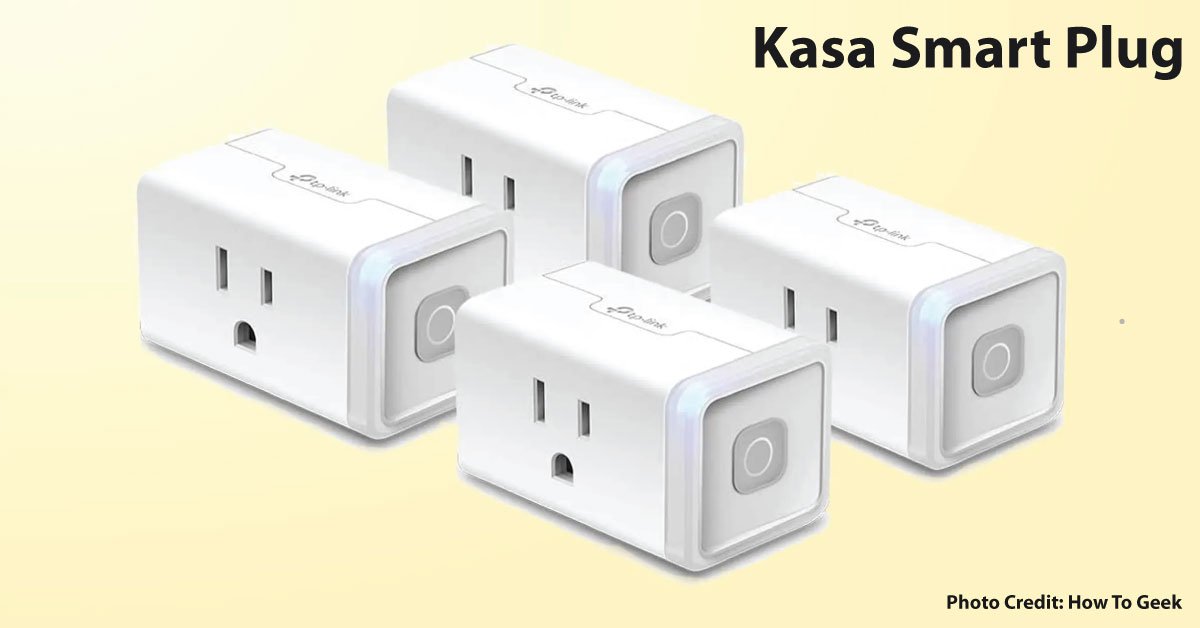
Kasa is a family of smart-home products, not one universal plug. For example, TP-Link describes the HS103 as a plug controlled through the Kasa app with scheduling and supported voice-assistant connections. Other models may have different ratings, outdoor suitability, or features. Read the actual model’s label and instructions before connecting an appliance.
Start with the appliance manual
Check whether the appliance permits external switching and whether it returns to a safe state after power is interrupted. Do not experiment with unattended heating or use a plug to bypass a built-in safety control. The plug’s advertised maximum rating is not blanket permission to connect every load below a single number.
Confirm the network and ecosystem
Use TP-Link’s setup instructions for the model and hardware version. Verify your wireless network, required app or account, and the particular assistant or home platform you want to use. Remote switching, energy measurement, and different ecosystem integrations are separate features; do not assume one implies another.
A first-use example
A compatible lamp with an ordinary physical switch is a clearer starting task than a complex appliance. Following both manufacturers’ instructions, establish that switching and restoration of power behave as intended. Give the device a specific room-and-purpose name, and test local operation and the schedule while someone is present.
Record the outage behavior
Find the model’s documented behavior when internet or mains power is lost. Test only safe, supported scenarios. If a household member needs the device, make sure they know the normal manual control and are not dependent on your phone being available.
Choose the simplest adequate model
Pay for energy monitoring, outdoor use, or additional integrations only when the exact model documents them and you need them. Keep the manual and purchase record. If electrical suitability remains unclear, obtain manufacturer guidance or professional help before connecting the load.
Sources & method
AI-assisted, source-checked editorial analysis. Manufacturer specifications are distinguished from our suggested buying checks. We have not conducted hands-on testing of this product.