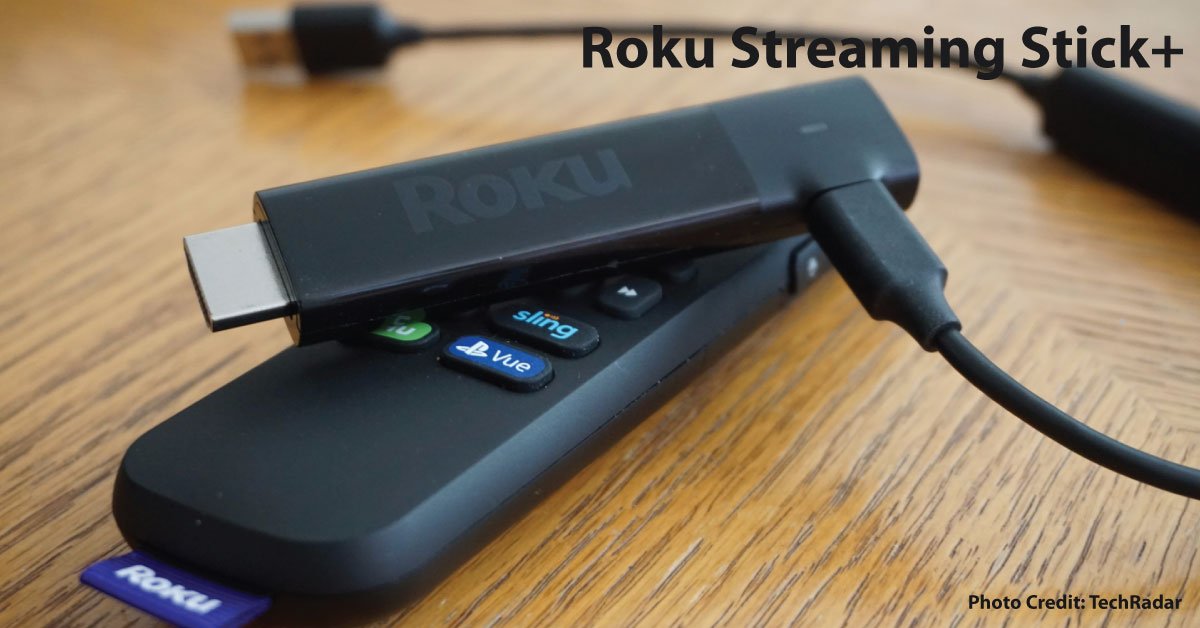
Roku documents Streaming Stick+ model 3810 with 4K and HDR support. The name refers to an older product, and it should not be confused with every later Roku Streaming Stick. Model numbers and the corresponding support instructions are the reliable way to identify its capabilities and required accessories. This replaces the previous unsupported “best streaming experience” endorsement.
Identify the unit and its parts
Ask the seller for the model information and a list of included cables, remote, and power components. Some streaming products use accessories that do more than provide a generic connection. Confirm the correct parts in Roku’s model-specific instructions rather than assuming any similar cable completes the kit.
Check the television and services
List the apps and programs you watch, the country in which you will use them, and the television input. Verify device support with the streaming services themselves. An older product can have an adequate hardware specification while no longer fitting the app or support arrangement you need.
Measure value after missing accessories
Compare the asking price plus all required replacement parts with a complete supported alternative. Include shipping and the return window. A small difference in price may disappear if a missing remote or specialty cable must be purchased separately.
Test where it will live
A stick often sits behind a television, where its position can differ substantially from a seller’s demonstration. Use the intended installation and power arrangement, then check remote response, network connection, playback, and audio. If a problem appears, simplify the setup and change one component at a time.
Choose it for a verified role
Consider the offer only if your essential services work, the required accessories are present, and legitimate account setup succeeds. Pass when basic identification or compatibility remains unresolved. We have not measured streaming speed or compared picture quality, so this guide does not award a score or current best-buy ranking.
Sources & method
AI-assisted, source-checked editorial analysis. Manufacturer specifications are distinguished from our suggested buying checks. We have not conducted hands-on testing of this product.