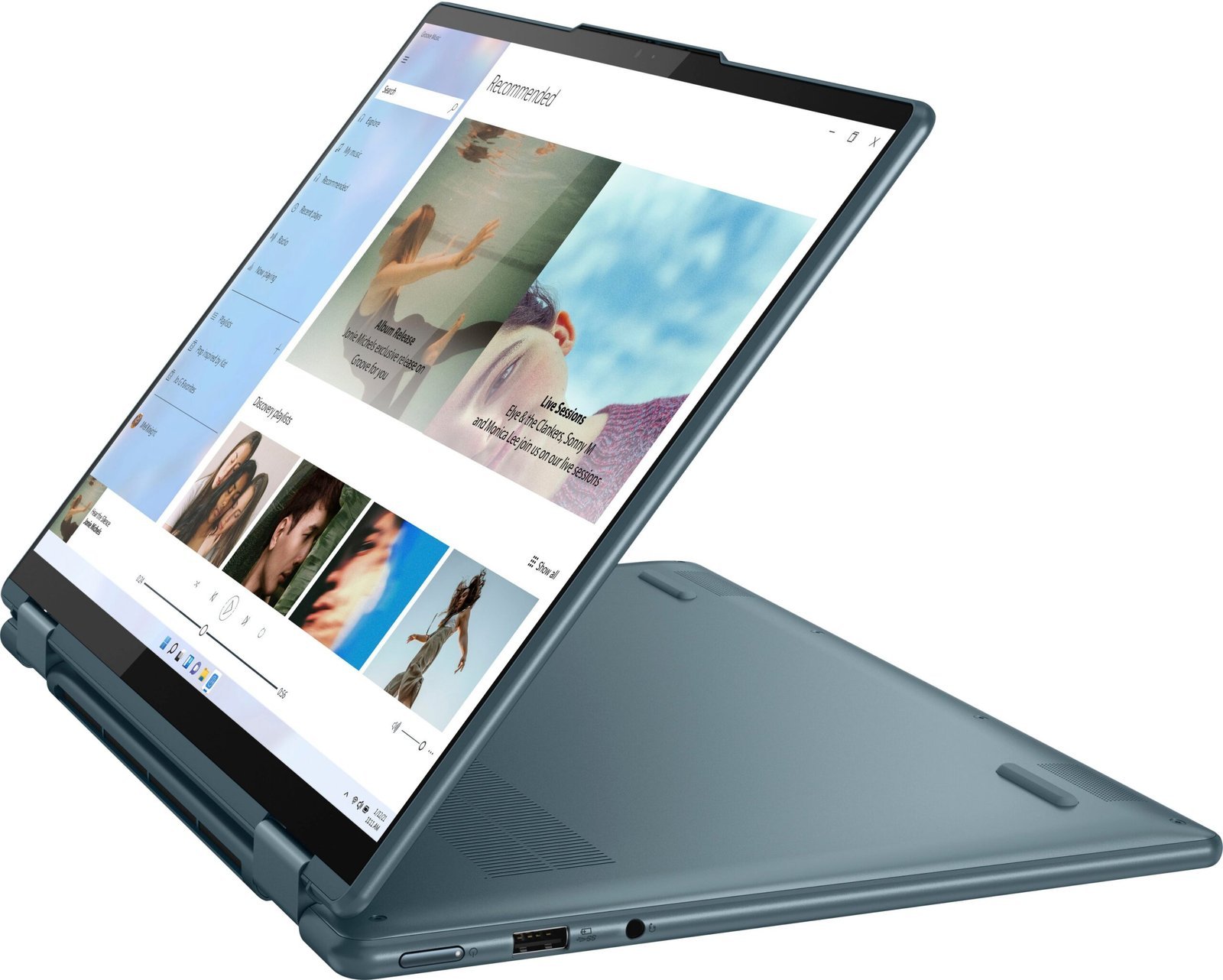
Yoga 7i Gen 7 is not a single universal configuration. This guide uses Lenovo’s Yoga 7 14IAL7 documentation as a concrete reference; another screen size or machine code needs its own specification sheet. Lenovo identifies soldered memory in this model, making installed capacity a purchase decision rather than an assumed later upgrade.
Decide why you want a convertible
Choose a real task for tablet, stand, or tent use: annotating a document, drawing, or showing a presentation. If your work happens entirely at a desk with a keyboard, you may gain little from paying extra for a hinge arrangement. If pen input matters, confirm the supported pen and whether it is included with the exact unit.
Read the offer rather than the family maximum
Record the processor, memory, storage, display, and charger in the seller’s offer. Compare those values with the matching machine code. A product page describing multiple options does not promise that a discounted unit includes the best panel or largest drive.
Inspect the hinge and touchscreen
Open and close the device normally without forcing the mechanism. Test touch response across the display and, where included, pen input in the application you expect to use. Look for visible damage and ask about repairs. A photograph in tablet mode cannot establish that the hardware remains in good condition.
An example budget decision
For a student who wants document annotation, include the compatible pen, a protective sleeve, and enough installed memory for concurrent course software. Compare that complete price with a conventional laptop plus a separate annotation device. The better option is the one that meets the actual routine with fewer compromises, not whichever carries the most flexible marketing description.
Before the return period ends
Test sleep and wake, charging, video calls, wireless networking, and any external display. Keep the machine code and seller’s promised configuration with the receipt so support can address the specific product you purchased.
Sources & method
AI-assisted, source-checked editorial analysis. Manufacturer specifications are distinguished from our suggested buying checks. We have not conducted hands-on testing of this product.