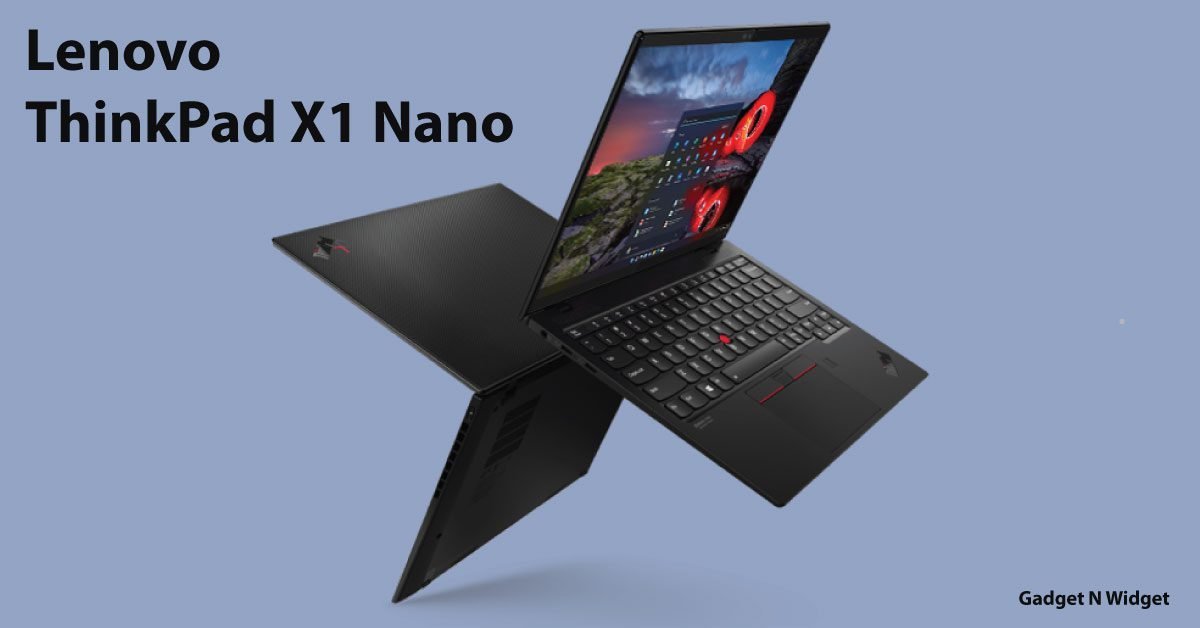
The ThinkPad X1 Nano is a product family with multiple generations and configurations. A listing that says only “X1 Nano” leaves important details unresolved. Lenovo’s PSREF documents are a better starting point than a generic family description because they identify processors, memory, display options, ports, and other configuration details.
Ask for the machine type and model
Match the seller’s identifier to Lenovo’s documentation and to the information shown on the computer. Record installed memory and storage rather than assuming that an “up to” specification describes the offered machine. For any planned upgrade, use the exact generation’s service information; do not buy on the assumption that memory can be added later.
Map a complete desk
Count the accessories used together: display, keyboard, camera, external drive, and wired network. Check which connect directly and which require a hub or dock. Add those accessories and their power supplies to the travel weight and purchase price. A very light laptop is less convenient if its daily setup needs an unexpectedly large adapter kit.
Try the actual workload
For a used purchase, test your typical browser, documents, meetings, and required applications where the seller permits. Observe how the laptop behaves during a complete task rather than judging it from the processor badge. Make sure specialized applications support the operating system and hardware configuration.
Check the condition you cannot read from a specification sheet
Look at battery information, charging, keyboard response, camera, hinges, and display. Ask about firmware passwords or organizational management and ensure the legitimate handover is complete. Do not accept a promise that account or management restrictions can be bypassed later.
Choose portability deliberately
The Nano’s appeal is easiest to justify when carrying it frequently is a genuine requirement. Compare its complete working setup with a larger alternative before deciding whether reduced size outweighs your port, screen, and expansion needs.
Sources & method
AI-assisted, source-checked editorial analysis. Manufacturer specifications are distinguished from our suggested buying checks. We have not conducted hands-on testing of this product.