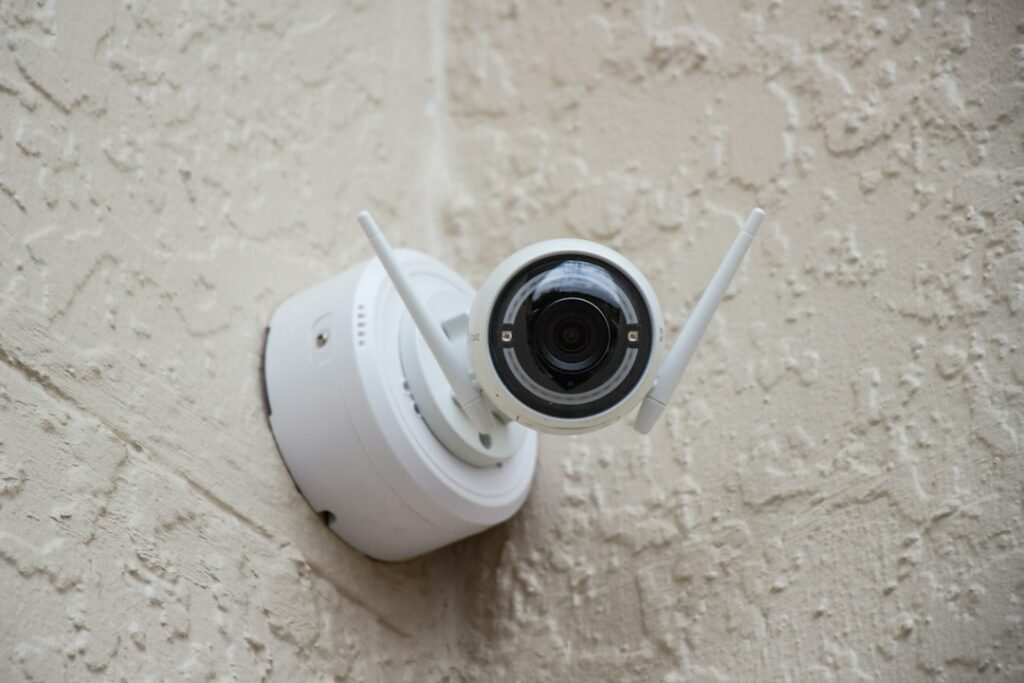
A home security system does not have to become another permanent monthly bill. Cameras, doorbells and sensors can work with local storage, but “no subscription” is not the same as “no extra cost” or “fully offline.” The useful question is where recordings are saved, which features remain available without a plan, and what happens when the internet or power goes out.
What subscription-free security actually means
In a subscription-free setup, recordings are normally stored on a microSD card inside the camera, on a hub in the home, or on a network video recorder. You buy that storage once instead of renting cloud space every month.
That does not guarantee that every feature is local. Remote viewing, push notifications, account sign-in and some forms of person or package recognition may still use a manufacturer’s servers. A camera can therefore save video locally while still depending on an internet connection for convenient access away from home.
Start with the storage path, not the camera resolution
Before comparing 2K and 4K models, decide where footage should live. A microSD card is the cheapest route for one or two cameras, but a thief could take the camera and the recording with it. A separate hub or NVR keeps footage elsewhere in the building and is easier to manage as the system grows.
Official guidance from Tapo confirms that supported cameras can save detection recordings to a microSD card and play them back through the app. Tapo also notes that a card or compatible hub is required for local continuous recording, and that battery-powered cameras and doorbells generally do not support ordinary continuous recording. That distinction matters: a battery model may capture motion clips but miss the seconds before detection or gaps between events.
Reolink’s support documentation says users can avoid its cloud service by recording to a microSD card or uploading clips to an FTP server. Its wired Wi-Fi video doorbell can also record continuously to a microSD card or NVR, according to the company’s doorbell FAQ. Support varies by exact model, so the product manual matters more than the brand name on the box.
A hub costs more, but it solves real problems
A hub-based system puts storage away from the camera and can provide one place to manage several devices. It also creates an upgrade path beyond small memory cards. For example, Eufy says its HomeBase S380 supports up to 16TB of expandable local storage with no monthly fee. The additional drive is not included, and compatibility still depends on the individual camera.
The practical tradeoff is a higher upfront bill. A hub or NVR, a storage drive, Ethernet cabling and an uninterruptible power supply can cost more than a basic camera kit. They may still be a better long-term purchase for four or more cameras, particularly when continuous recording is important.
The costs that “no subscription” does not remove
- Storage media: microSD cards and hard drives are often sold separately. Choose high-endurance media for repeated video writes.
- Power and wiring: continuous recording is far more practical with wired power or Power over Ethernet than with batteries.
- Backup power: cameras, routers and hubs stop during an outage unless they have battery backup.
- Off-site protection: purely local video can disappear in a fire, flood or theft. Optional cloud backup may still be worth paying for in high-risk locations.
- Maintenance: cards wear out, batteries need charging and firmware needs updating. Local ownership shifts responsibility to the owner.
A sensible starter setup
For a small home, start with one wired video doorbell or outdoor camera that supports local storage, plus entry sensors on the most accessible doors and windows. Add a clearly audible siren and keep the router on a small UPS. Test alerts from both Wi-Fi and cellular data before relying on the system.
Use unique passwords, enable two-factor authentication when offered, install firmware updates and encrypt removable storage if the system supports it. Place cameras to cover approaches rather than neighbors’ private areas, and check local rules before recording audio or public spaces.
The bottom line
A subscription-free security system is realistic, especially when local recording is chosen at the start. The strongest designs combine wired power, storage kept away from the camera and basic backup power. Buyers should still verify which alerts, recognition features and remote-access tools remain free for the exact model. “No mandatory cloud plan” is a useful feature; it is not a promise that every service will work forever without the manufacturer’s infrastructure.
Featured photo by Alan J. Hendry on Unsplash. Product capabilities are based on manufacturer documentation; Gadget N Widget did not perform hands-on testing for this guide.