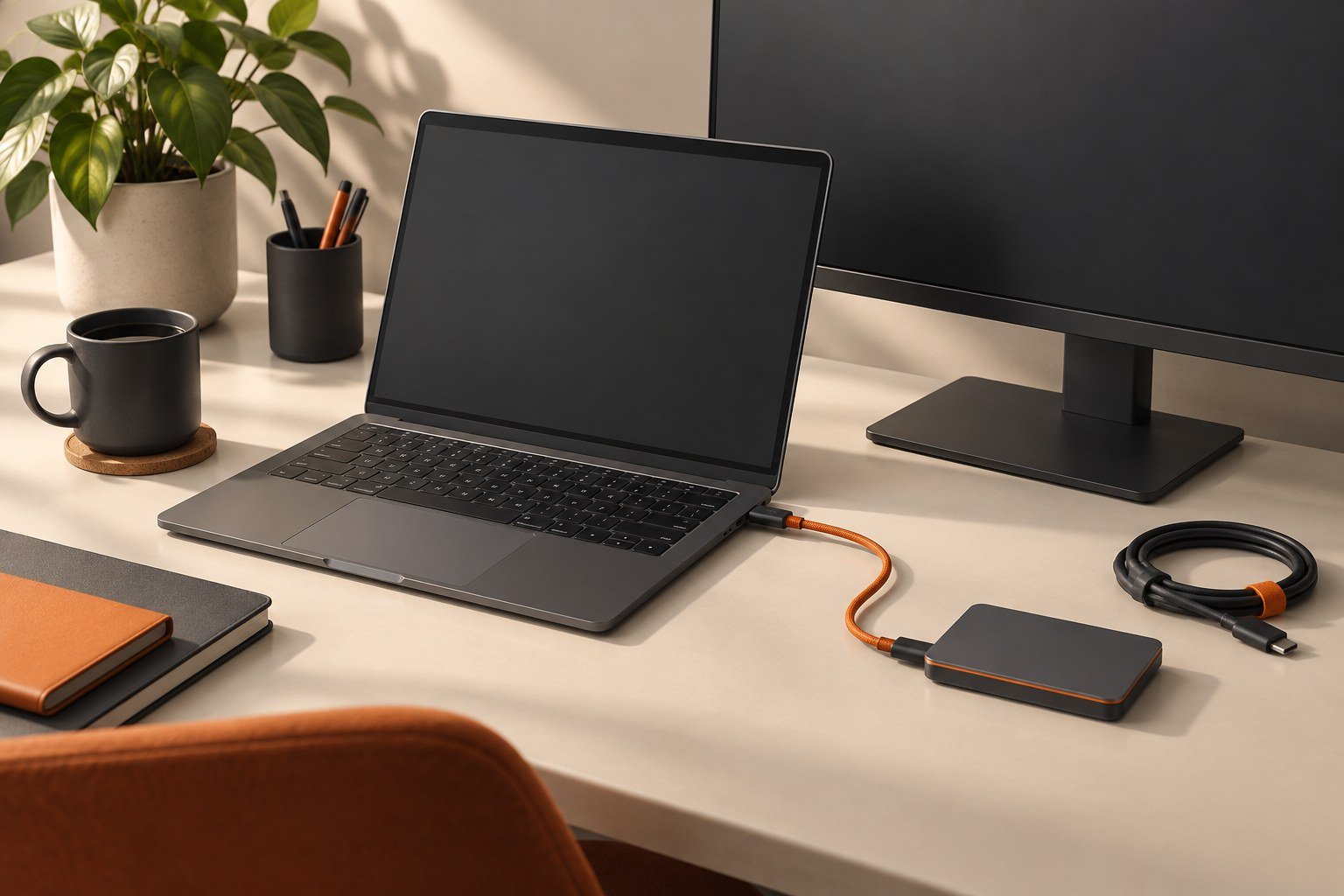
Choose a display for the text, applications, connections, and physical desk you use every day.
What will be on screen together?
List the windows you need visible at the same time: a document, spreadsheet, browser, call, or editing tools. Sketch the arrangement. This is more useful than choosing a screen size without considering how the available space will be used.
Can you read it comfortably?
If possible, view similar screens at a realistic desk distance using ordinary application text. Consider operating-system scaling and the software you depend on. A demonstration video in a store does not answer whether your spreadsheet labels or code will be comfortable to read.
Does the whole connection work?
Check the computer output, cable, and monitor input for the display mode you want. Include a dock in that chain if you use one. Confirm that the required cable is included and whether the stand offers the adjustments you need. Measure the stand footprint against the actual desk.
What will ownership look like?
Read the warranty and return terms, including the process for a display fault. Check controls you use often, such as switching inputs. If you plan to connect more than one device, map that routine before buying. Save your selected settings and test the display with your real work during the return period.
Five answers to bring to a seller
Write down the windows you want visible together, your comfortable text size at the actual desk distance, the computer and dock models, the space available for the stand, and the required return terms. These five answers turn a broad request for a “good monitor” into a useful comparison. The cable standard matters, but it does not answer the ergonomic or application questions.
For a spreadsheet-and-document setup, open realistic files on the display if possible. Check labels, menus, and scaling rather than relying on a demonstration film. Then test input switching and the connection you will use at home. If increasing scaling makes text comfortable but reduces the workspace below your requirement, compare another size or arrangement before deciding.
Sources & method
AI-assisted editorial guidance checked against the primary references below. Examples are illustrative exercises, not results from product tests. No hands-on testing or independent performance measurement is claimed.