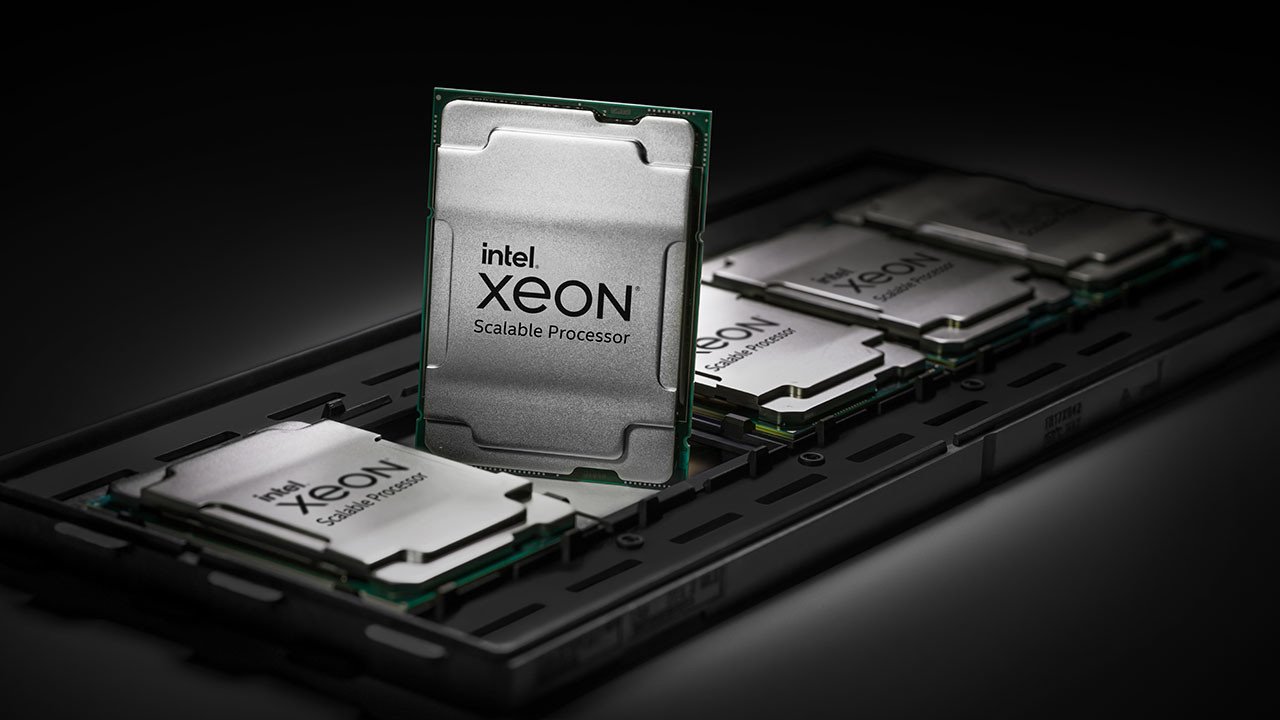
Intel positions Xeon processors for server and workstation uses. The family spans many generations and platforms, so “Xeon” alone cannot tell you the core count, supported memory, expansion capabilities, or performance of a computer. Intel explicitly cautions that processor numbering differentiates features within families rather than creating a universal ranking across them.
Write the requirement first
A reason to investigate a workstation platform might be a particular memory capacity, validated application configuration, expansion need, or operational support arrangement. Identify that requirement in writing. If your work is ordinary browsing, document editing, or gaming, a server-derived label is not by itself evidence of better value.
Check the complete machine
For a used workstation, record the CPU model, motherboard or system model, installed memory, storage interfaces, graphics hardware, and power supply. Check the system manufacturer’s service manual and operating-system support. Do not assume ordinary desktop replacement parts fit a proprietary enclosure or power connector.
Include ongoing costs
Compare energy use, cooling, noise, replacement parts, and physical space alongside the purchase price. A low-priced rack server may be unsuitable for a quiet desk. An inexpensive workstation can also become costly if the first necessary upgrade requires uncommon components.
A used-workstation example
If you need several expansion cards, first confirm slot sizes, available lanes, clearance, and manufacturer support in the exact machine. Then compare that working configuration with an alternative built around your requirements. Counting unused slots in a photograph is not sufficient evidence that all cards can operate together.
Seek application evidence
Use disclosed tests of the software and dataset sizes you work with. An older many-core system can behave very differently from a newer desktop on a task that cannot use those cores effectively. This guide does not provide benchmark results; it helps separate a genuine platform requirement from the appeal of a professional-sounding name.
Sources & method
AI-assisted, source-checked editorial analysis. Manufacturer specifications are distinguished from our suggested buying checks. We have not conducted hands-on testing of this product.