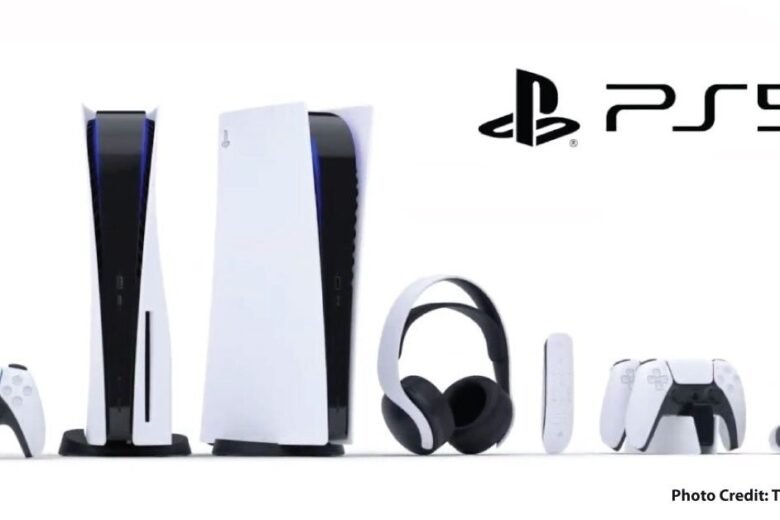
 Gaming
Console storage upgrades: check game compatibility before capacity
The important question is which games can be stored or played from a particular drive on your exact console.
Read article →GamingThe important question is which games can be stored or played from a particular drive on your exact console.
Read article →GamingBefore buying one controller for several systems, verify the exact games, connections, and features you expect to use.
Read article → TV & streaming
Choose from a specific missing feature or frustrating task, then compare the cost and complexity of adding another device.
Read article →TV & streamingRecord the video setup you want to use, then check the cable category and every device in the path.
Read article → Smart home
Compare the functions included with the hardware against the functions that require a continuing service.
Read article →Smart homeBefore depending on a connected product, identify the data and functions that rely on the manufacturer’s service.
Read article →Smart homeMeasure where and when the problem occurs so you can distinguish a coverage complaint from another connection issue.
Read article →Smart homeCompatibility includes the appliance’s electrical requirements and intended operation, not just the phone app.
Read article → Audio
AudioUse a controlled comparison to identify whether the problem follows the location, source device, or audio accessory.
Read article →AudioDescribe the noise you want to reduce and the situations where you still need to hear what is happening around you.
Read article →AudioJudge fit during the activities you actually do, at a comfortable volume, and within the seller’s return terms.
Read article →AudioTest the microphone in the calling application and environment you actually use. Music playback is a separate question.
Read article → Laptops
Compare complete working setups, including accessories, software, service, and the things you already own.
Read article →