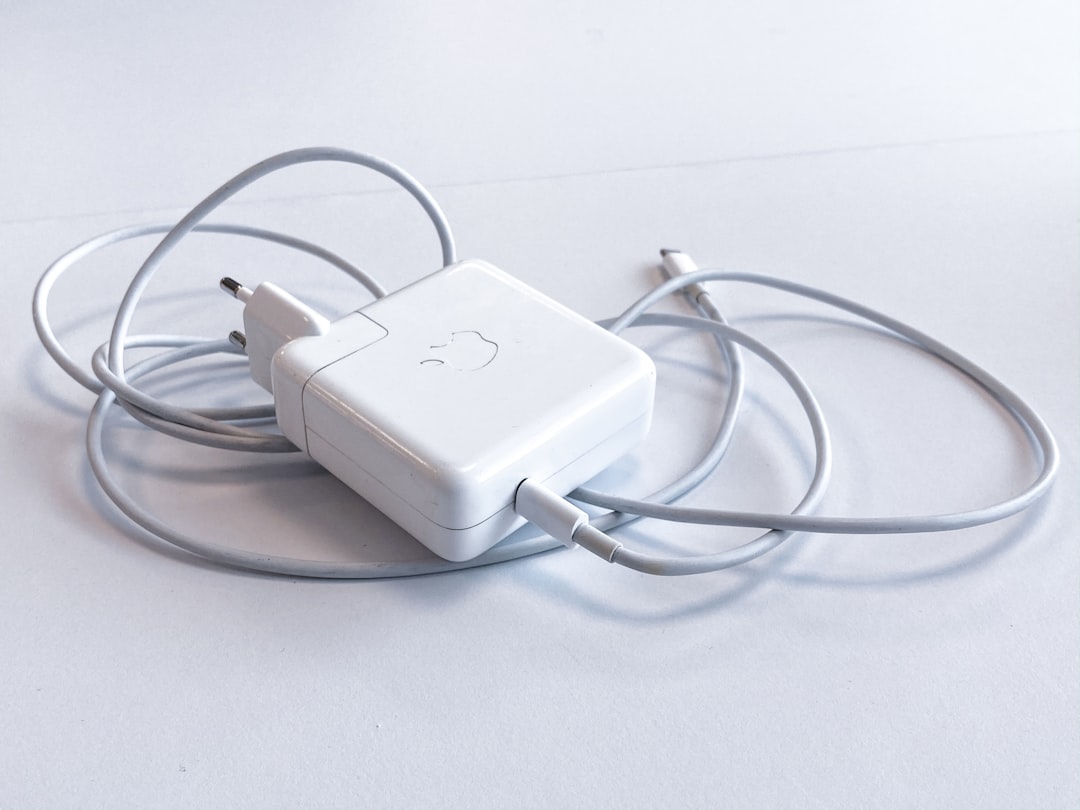
Plan a charging station around the devices plugged in together, not just the biggest number printed on the charger.
Related guide: Use the USB-C Compatibility Finder to check charging and cable requirements before selecting a shared charger.
List the busiest moment
Picture the evening when your laptop, phone, and headphones all need charging. List the power requirements given by each manufacturer and mark the devices that must be ready first. This makes simultaneous use a real requirement rather than an afterthought. Include the cables you intend to keep at the station.
Read the port allocation table
Look for documentation showing what each port supplies when several are occupied. A headline total and the output available to one particular device are different pieces of information. USB Power Delivery allows compatible devices to negotiate power, but you should still confirm the charger, cable, and device combination rather than assuming every socket meets every need.
Design the physical station
Place the station where cables will not be stretched across a walkway or trapped under furniture. Follow the product’s ventilation and placement instructions. Avoid a layout that hides the labels or makes it difficult to unplug a device. A smaller, clearly labeled setup can be easier to maintain than a collection of adapters connected in different places.
Create a simple handover rule
Assign each cable a normal device and leave one clearly identified spare. Keep the charger’s documentation with your purchase record. If charging changes after another device is connected, compare the behavior with the allocation table before buying replacements. Retire visibly damaged equipment and use the manufacturer’s support route when the cause is uncertain.
Work through the simultaneous load
Here is an illustrative allocation, not a product recommendation: a laptop needs a documented 65W input arrangement, a phone needs 20W, and an accessory needs 5W. Their nominal total is 90W. A charger advertised as “100W” still needs a port-allocation table showing that the required combination is available together, with the correct protocols and cables. A total greater than 90W on the box is not enough evidence by itself.
If the laptop is the priority, designate its documented port and test what happens when the phone is connected. Note any redistribution described by the manufacturer. The output of this exercise is a working port map, not a promise that every device draws its labeled maximum all the time.
Sources & method
AI-assisted editorial guidance checked against the primary references below. Examples are illustrative exercises, not results from product tests. No hands-on testing or independent performance measurement is claimed.