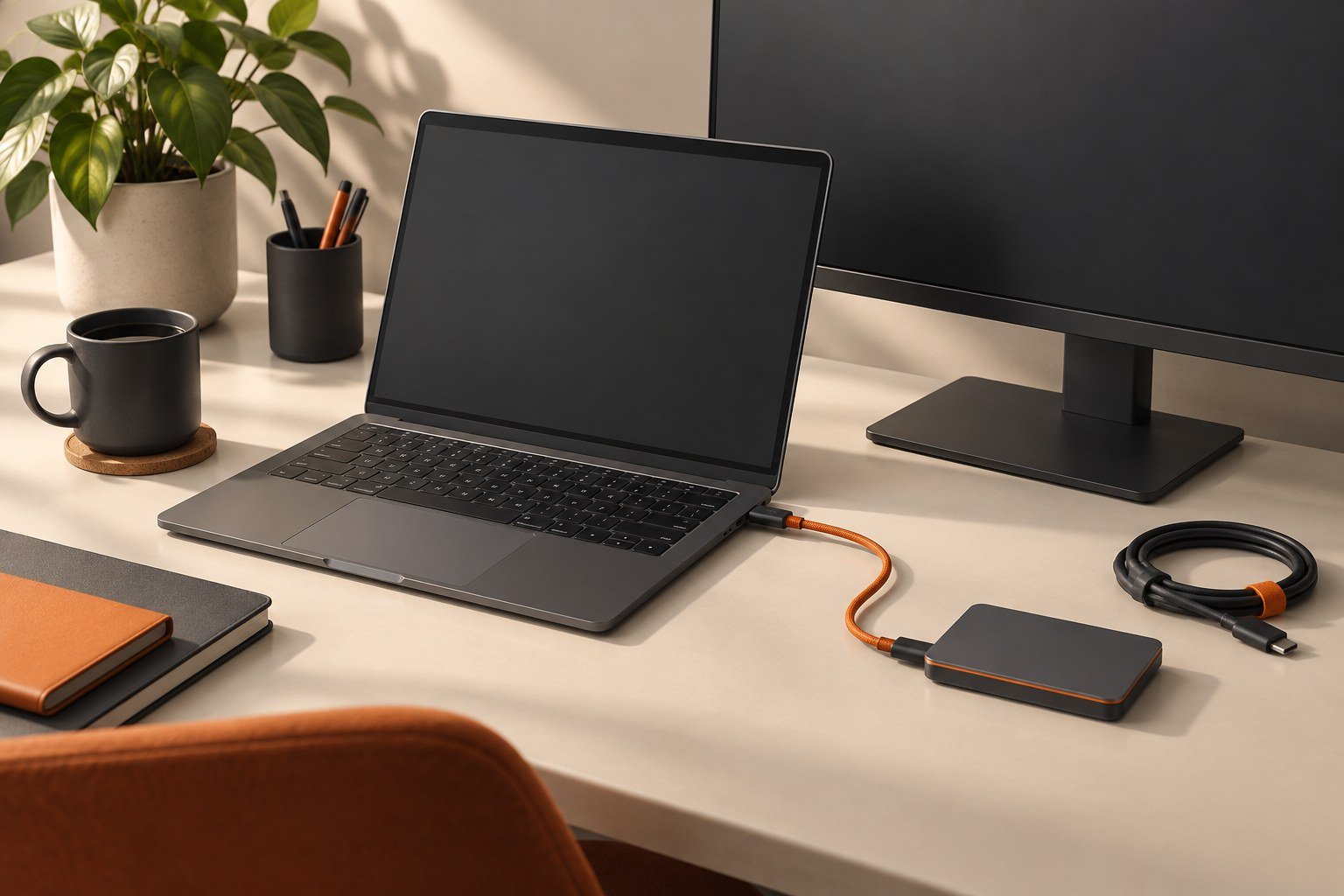
Think through power, connections, support, and transport before adding a second screen to your bag.
Related guide: Check whether the laptop’s USB-C connection can carry video and power with our USB-C Compatibility Finder.
Map the travel setup
Write down where you expect to work and what surfaces will be available. A screen that works well on a large hotel desk may be awkward on a narrow table. Consider whether the screen and laptop can sit securely without blocking other people’s space.
Check the connection and power path
Confirm the manufacturer’s requirements for your laptop and the exact connection you plan to use. Include any separate power adapter, cable, or hub in your packing list. Do not assume a USB-C socket guarantees a one-cable display arrangement.
Measure the complete kit
Count the screen, protective cover, stand, adapters, and cables. Check how the kit fits alongside the laptop. Look for a practical way to protect the display surface and keep connectors from pressing against it in transit. Portability is a property of the complete setup, not just the advertised screen weight.
Rehearse before a trip
Set the display up from a packed bag and run the applications you expect to use. Test reconnecting and waking the laptop. Save the successful arrangement in a short checklist. If setting it up is more disruptive than switching between windows on the laptop, reconsider whether the extra screen solves the problem you bought it for.
Rehearse a short work session away from an outlet
Pack the complete screen setup, then assemble it on a table similar to the one you expect to use. Follow the manufacturer’s supported power arrangement. If the monitor is powered from the laptop, note laptop battery behavior during an ordinary task; do not assume the screen’s advertised efficiency describes the whole system.
Check that text is comfortable, the stand is stable, and cables are not under tension. Disconnect and reconnect once, then wake the laptop from sleep. A second screen that works only after an awkward sequence may be a poor travel choice even if it performs well at a permanent desk. Keep the successful connection map with the bag, and compare the actual benefit with simply switching windows on the laptop.
Sources & method
AI-assisted editorial guidance checked against the primary references below. Examples are illustrative exercises, not results from product tests. No hands-on testing or independent performance measurement is claimed.