The important question is which games can be stored or played from a particular drive on your exact console.
Identify the console and game library
Record the precise console model and the games you want to keep available. Note how much space your current library uses. Distinguish games you play frequently from ones you are comfortable downloading again.
Read the console maker’s storage rules
Check supported storage types, installation requirements, and whether games can run from the proposed device or only be stored there. These rules can differ across console generations and game types. Do not assume a drive that works with a computer meets the console’s requirements.
Compare the complete purchase
Include any enclosure, installation accessory, or other component required by the official instructions. Read warranty and return conditions. Avoid selecting only on advertised capacity when the device cannot perform the role you need.
Make the change carefully
Protect saves through the console’s supported process before changing storage. Follow the manufacturer’s setup instructions and understand any formatting warning. Test a non-critical transfer and a game launch before reorganizing the entire library. Keep the old arrangement until you are confident the new one works as intended.
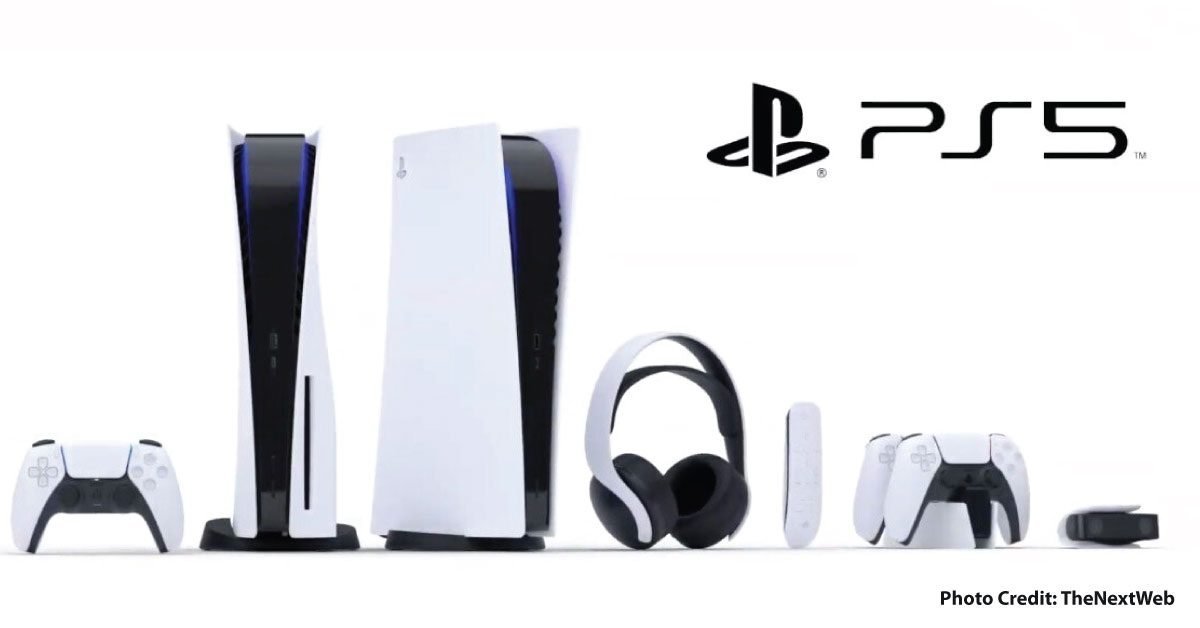
PS5 provides a clear store-versus-play example
Sony documents that PS5 games on USB extended storage need to be copied to suitable console storage before they can be played. A compatible installed M.2 SSD can store and launch PS5 games directly. Thus, two drives advertised with the same capacity can solve different problems. Sony also specifies interface, physical dimensions, cooling, and other requirements for M.2 installation; capacity alone is not a shopping checklist.
For a frequently played library, prioritize where those games can actually launch. For games you are happy to move back before playing, storage-only capacity may serve a different role. Preserve saves through the supported process and read formatting warnings before connecting or installing a drive. Use the console maker’s current instructions for your own model.
Sources & method
AI-assisted editorial guidance checked against the primary references below. Examples are illustrative exercises, not results from product tests. No hands-on testing or independent performance measurement is claimed.
Plan the download as well as the storage
Use our Download Time Calculator to estimate a game download from its file size and your connection speed. It does not measure your connection or account for a platform’s server limits.