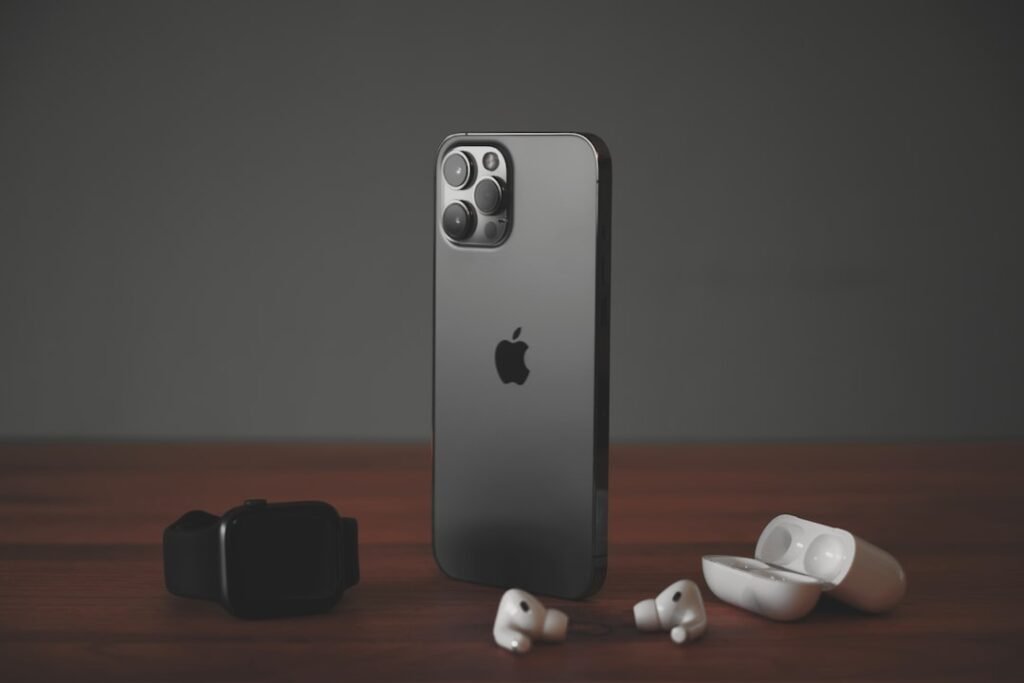
Apple has opened public testing for iOS 27.2 and macOS Golden Gate 27.2, giving more users access to its next software updates before their general release.
According to MacRumors’ September 22 report, the rollout also includes public betas of iPadOS 27.2, watchOS 27.2 and tvOS 27.2. It follows the second developer betas released a day earlier.
What is changing in iOS 27.2?
The report highlights a redesigned Health app with Insights and Longevity tabs, plus a Health Age feature that compares a fitness-age estimate with the user’s actual age. It also lists new Apple TV app profile options and expanded Siri AI language support covering French, Japanese, Korean, Portuguese and Spanish.
These are features being tested, and details may change before the finished update arrives. The public-beta announcement does not mean iOS 27.2 is now the standard update for every iPhone.
How public testing works
The Apple Beta Software Program lets users enroll their devices, try prerelease software and send feedback to Apple through Feedback Assistant. Apple says participation is free and requires a valid Apple Account and acceptance of its program agreement.
Start with Apple’s official enrollment instructions for your device. Enrolled devices receive beta builds through Software Update.
Should you install it on your everyday device?
Our advice is to wait if you depend on one phone or computer for work, classes or travel. Early access is useful when you want to test features and report problems, but it comes with the possibility that your usual apps or workflows will not behave as expected.
Apple’s own guidance recommends a secondary device and backing up an iPhone, iPad or Mac before installation. It also warns that an Apple Watch cannot be restored to a previous operating-system version after a beta is installed.
For most readers, the useful news is that wider testing has begun. You can follow the changes now and decide whether to update when the finished release becomes available.
This is news coverage based on the linked reporting and Apple’s public beta-program guidance, not a hands-on test. Featured image: illustrative iPhone image from the GNW media library.